


Drop
Extension Actions
Send notes, links, and files across all your devices
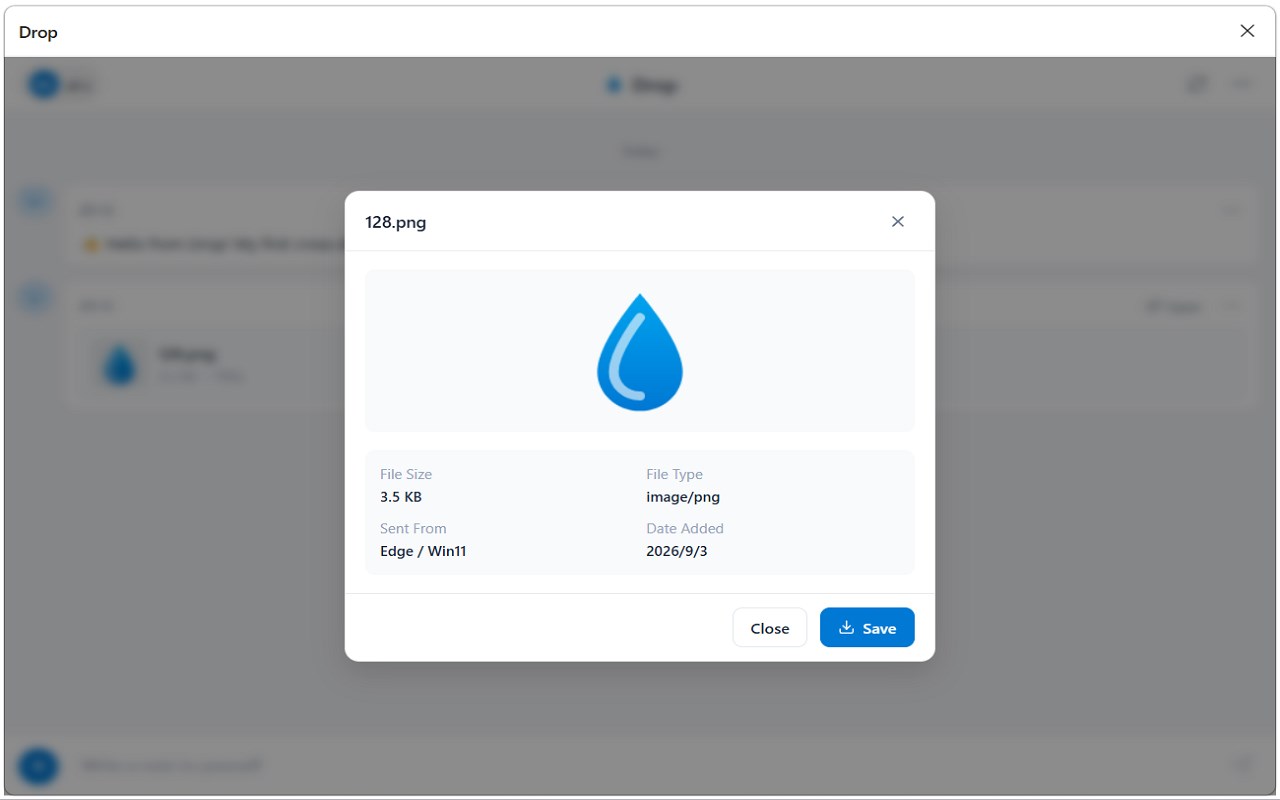
Drop is a personal productivity extension for sending and synchronizing notes, links, images, documents, and other files between your browsers and devices.
Connect your Google Drive or Microsoft OneDrive account, then add content from the browser's side panel. Items are stored locally first and synchronised directly to an application-specific folder in the cloud account you select. Devices connected to the same account can access the synchronized content.
New feature:
Based on feedback from the comments section, I’ve added a drag-and-drop upload feature. I tested it and confirmed that PDF uploads work as expected.
I’ve been very busy with autumn recruitment recently, trying to find a job and don’t have enough time or energy to maintain the feature or fix bugs. You can find the source code here https://github.com/iride-zy/drop-app issues and PRs are welcome.
Key features:
• Create and synchronise text notes and web links.
• Upload, download, preview, and delete files.
• Synchronize content between supported browsers and devices.
• Continue working during temporary network interruptions and synchronize when the connection returns.
• Preview supported images and PDF documents.
• Select retention periods for messages and locally cached files.
• Connect Google Drive or Microsoft OneDrive.
• Switch between multiple connected cloud accounts.
• Use Drop directly from the browser's side panel.
Drop uses Google Drive's private application-data folder or the Drop application folder in OneDrive. It does not request access to arbitrary websites or unrelated cloud files.
Privacy:
• No Drop-operated content server.
• No advertising, analytics, or browsing-history tracking.
• No sale of personal information.
• Content is transmitted directly between the extension and the cloud provider selected by the user.
• Users can delete synchronized items, clear local data, disconnect accounts, and revoke cloud access.
Drop is an independent project and is not affiliated with, endorsed by, or sponsored by Microsoft or Google. Provider names identify the available sign-in and storage services only.
Latest reviews
- Iride
- good