


Audio Only for YouTube | Save Data & Bandwidth
Extension Actions
Unofficial helper: play YouTube in audio-only mode to save data. Not affiliated with Google or YouTube.
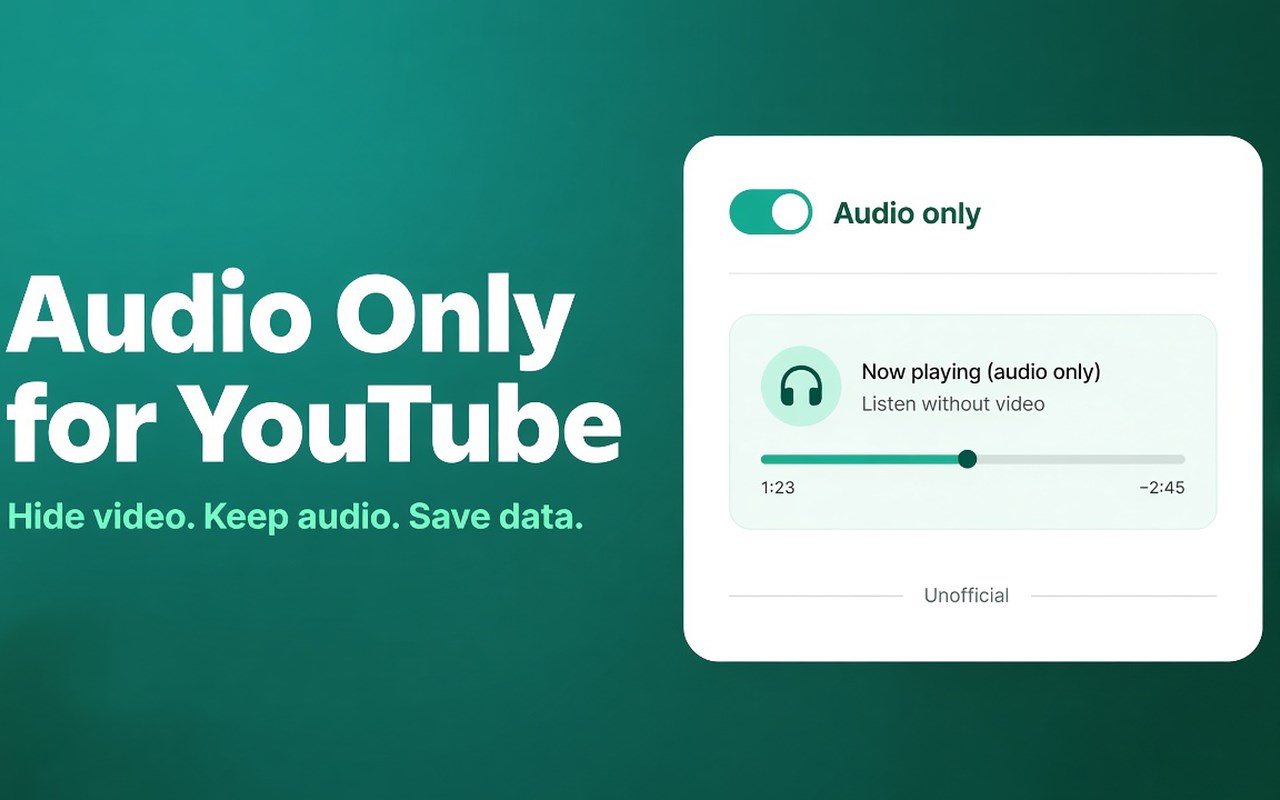
Audio Only for YouTube is an unofficial browser helper that turns YouTube into a lighter audio-first experience so you can listen while saving bandwidth.
This extension is NOT created by, endorsed by, or affiliated with Google LLC or YouTube.
WHAT IT DOES
• Switch YouTube to audio-only mode with one click or Alt+Shift+A
• Force the lowest practical video quality (144p) while keeping audio
• Cover the player with a clean listening overlay
• Control playback from the popup: seek, speed, volume
• Track estimated data used and saved (vs 720p), locally on your device
• Customize overlay themes (colors or background image)
• Use in English, Arabic, Spanish, Portuguese, French, Hindi, or Indonesian
HOW TO USE
1. Open a YouTube video
2. Click the extension icon and turn on Audio only
3. Listen with the video hidden — switch back anytime
4. Optional: set restore quality, theme, language, and view stats
PRIVACY
Preferences and usage stats stay in your browser storage. See the Privacy Policy linked on this store page.
NOTES
• YouTube still needs a minimal video stream to work; this extension optimizes it to the lowest practical setting
• Respect YouTube’s Terms of Service
• Works best on youtube.com watch / live / playlist / Shorts and related pages