


PiPGeek: Picture in Picture
Extension Actions
Pop the main video on any page out into a floating window with one click or Alt+P. Click again to put it back. No tracking.
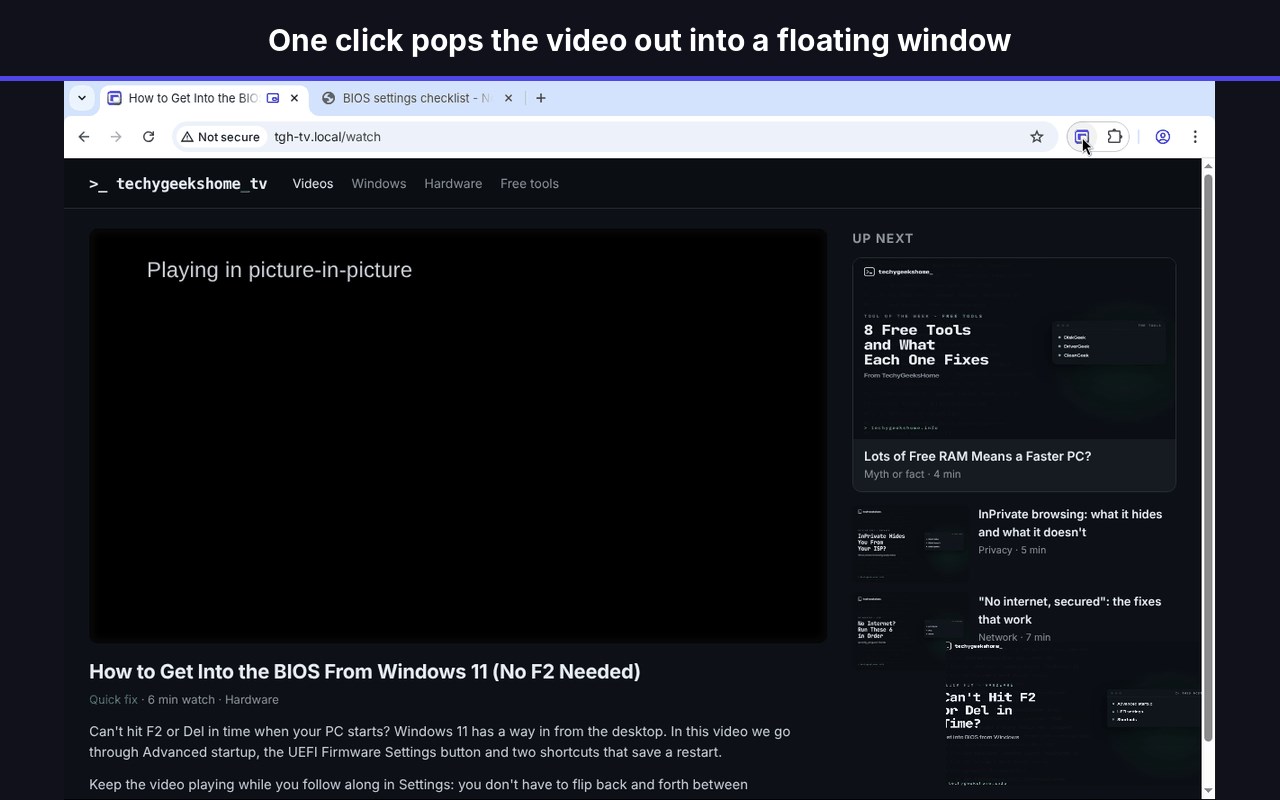
PiPGeek pops the video you are watching out of the page and into a small floating window that stays on top of your other tabs and apps. Click the icon or press Alt+P, and click again to put it back.
It picks the right video for you: the biggest one that is playing and on screen. It finds videos inside frames and page components, and it works on players that try to switch picture-in-picture off. Right-click any video to pop out that one instead. It can also float the video out by itself when you switch tabs.
PiPGeek only looks at a page when you ask it to. No account, no adverts, no tracking, nothing sent anywhere. Free and open source from TechyGeeksHome.