

Muzi Merchant
Extension Actions
Keep your Jiji shop in step with your Muzi stock, from your own browser.
Muzi Merchant connects your Jiji shop to your store on Muzi.ng, so you can sell in both places from one stock count.
What it does
• Reads your own Jiji shop: your ads, their prices and photos, and whether they're open.
• Links each Jiji ad to the same item on Muzi, or brings an ad over to Muzi as a draft you check before it goes live.
• Works through Muzi's list of jobs for your shop, one step at a time, showing what it's doing, with a Stop button.
How to start
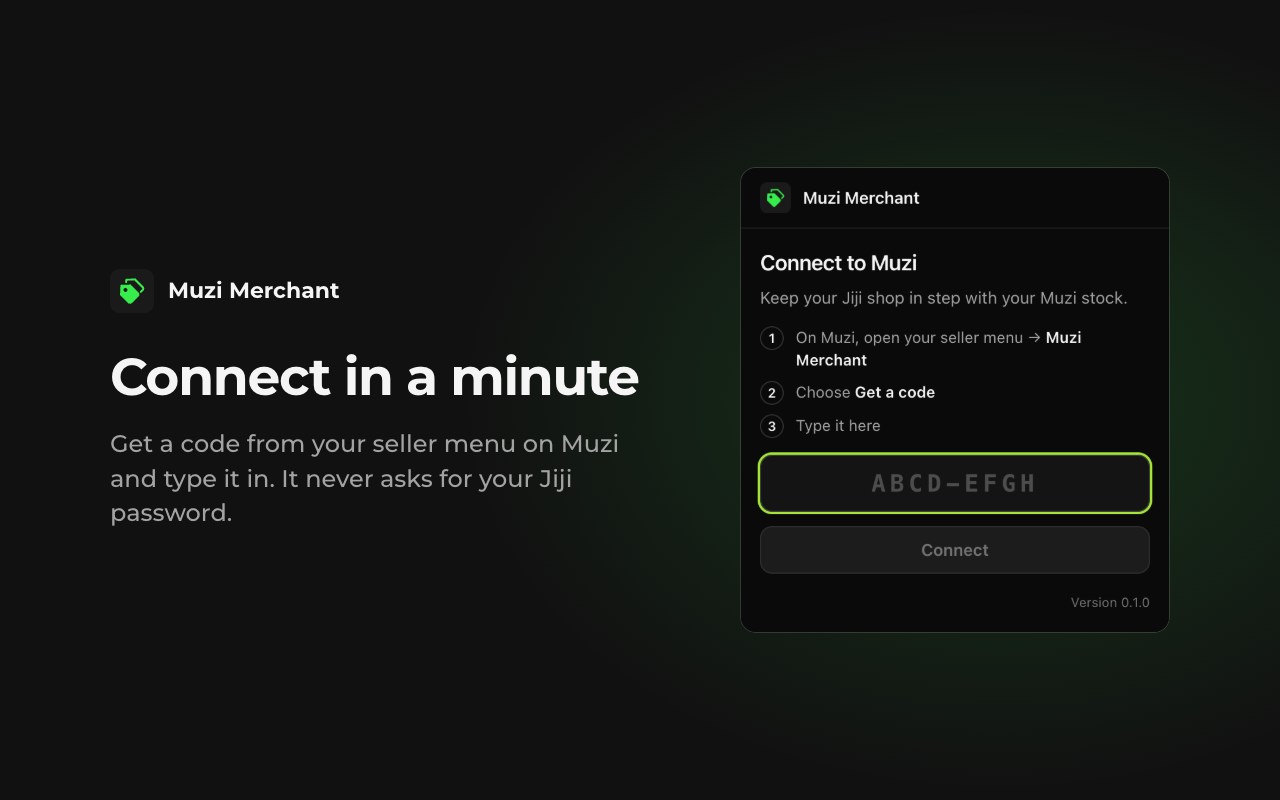
1. On Muzi.ng, open your seller menu, choose Muzi Merchant, then Get a code.
2. Type the code into the extension.
3. Stay signed in to Jiji in the same browser, as you normally are. The extension never asks for your Jiji password.
Your privacy
• It works only on jiji.ng and with your own Muzi account.
• It reads your Jiji shop's ID and name and your ads. It never reads your password, messages, email or phone number.
• It works in its own tab, at a person's pace, and only when you ask.
Full details: https://muzi.ng/privacy#merchant-extension
You need a seller account on Muzi.ng (free to open) and a Jiji account with a shop. Muzi Merchant is made by Muzi.ng and isn't connected with or endorsed by Jiji.