


SOCKS5 & HTTP Proxy Switch
Extension Actions
Configure Microsoft Edge to use a no-auth SOCKS5 or HTTP proxy.
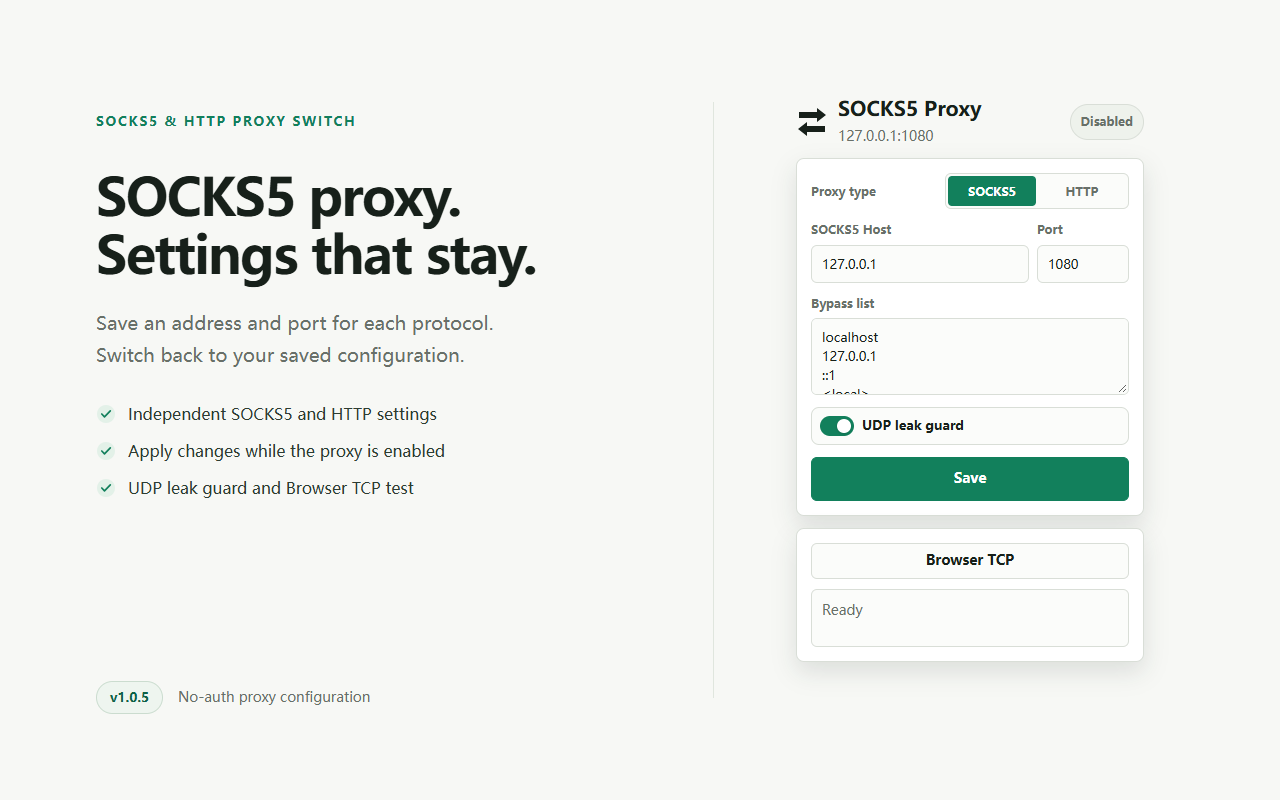
SOCKS5 & HTTP Proxy Switch is a simple browser proxy extension for Microsoft Edge. It lets users configure Edge to use a user-provided no-auth SOCKS5 or HTTP proxy.
Features:
- Switch between SOCKS5 and HTTP, with each protocol’s host and port saved separately and automatically restored when switching.
- Turn the proxy on or off using the status button in the extension popup.
- Save settings and apply changes immediately while the proxy is enabled.
- Save a local bypass list.
- Optionally enable UDP leak prevention through the browser’s WebRTC IP handling policy.
- Optionally run a Browser TCP test to confirm the current browser exit IP.
This extension supports no-auth SOCKS5 and HTTP proxies only. Proxies requiring usernames or passwords are not supported. Proxy settings are stored locally in Microsoft Edge’s browser storage and are not sent to the developer.