


Saydi AI Voice Translator
Extension Actions
Real-time multilingual speech AI for meetings & events — translate and transcribe live.
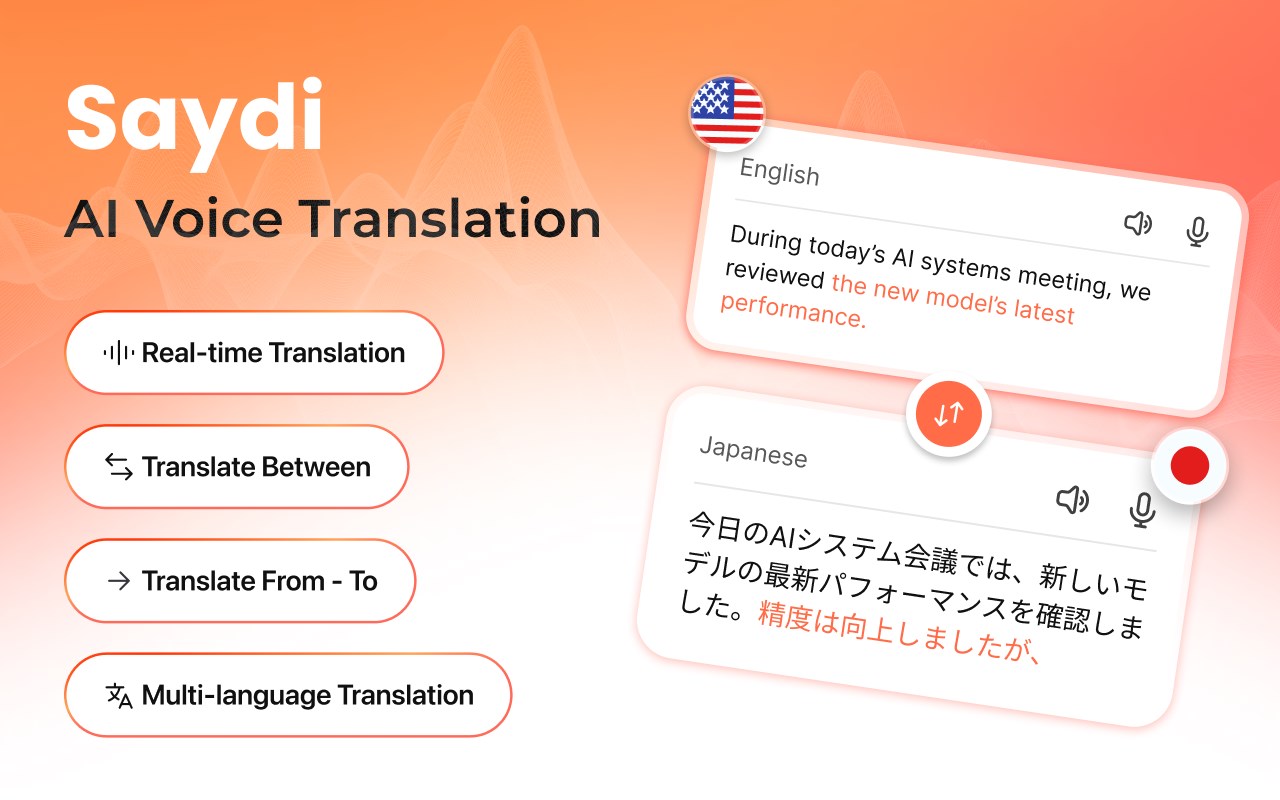
Saydi AI: Real-Time Translation for Meet, Zoom & Teams
Live translated captions and transcripts for your browser meetings, in 60+ languages including Vietnamese, Japanese, Korean and English.
Saydi AI adds real-time captions and translation to the video calls you join in Microsoft Edge. Pitching a client in Tokyo on Zoom, running a cross-border standup on Teams, or hosting a webinar on Google Meet: you follow every word in your own language as it's spoken.
WORKS WITH
- Google Meet
- Microsoft Teams (web)
- Zoom (web client)
- Cisco Webex (web)
- Other meeting and video sites that play audio in a browser tab
Saydi AI runs in your browser, so it doesn't work inside the Zoom or Teams desktop apps. Join from Edge instead.
KEY FEATURES
- Live translated captions: hear the speaker, read them in your language with minimal delay.
- Two-way conversation mode: speak in your own language and Saydi AI translates what you say for the other participants, so both sides can talk naturally.
- Live transcription: a full meeting transcript you can review, copy or export for minutes and notes.
- Switch modes anytime: one-way captions, two-way conversation, or transcription only.
- 60+ languages: designed for Vietnamese, Japanese and Korean business conversations, alongside English, Spanish, Portuguese, Indonesian and many more.
WHO IT'S FOR
- Founders and sales teams closing deals with international clients
- Distributed teams working across countries and time zones
- Webinar and event hosts with a multilingual audience
PRIVACY
Saydi AI only processes meeting audio while you have it turned on. Your data is handled securely and is never used to train AI models without your consent.
GET STARTED
1. Add Saydi AI to Microsoft Edge.
2. Sign in or create your Saydi account.
3. Join a meeting in your browser, open Saydi AI and choose your languages.
Latest reviews
- Phương Minh
- best translation app in town