


Video Quality Enhancer
Extension Actions
Real-time WebGPU upscaling and frame generation for HTML5 video (Lossless Scaling-style, browser-native).
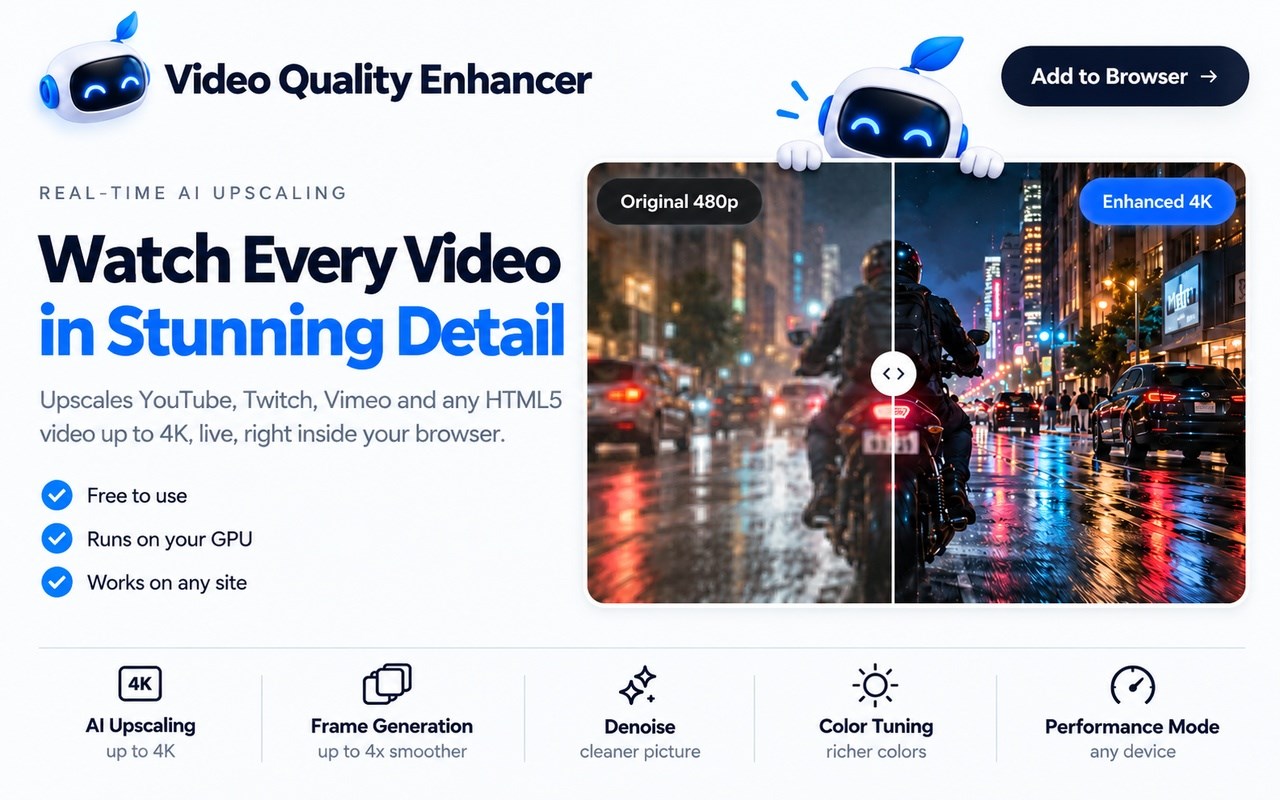
Video Quality Enhancer upscales and smooths HTML5 video in Microsoft Edge. It runs real-time WebGPU shaders on your own graphics card to deliver sharper edges, clearer detail, reduced compression artifacts, and smoother motion on web video.
Everything runs locally. There are no servers, no data collection, and no telemetry.
Features
- Upscaling: CAS sharpening, Anime4K for animation, FSR 1.0 (EASU + RCAS), Lanczos-3 with detail synthesis, and a built-in neural super-resolution model.
- Frame generation: fixed 2x, 3x, or 4x, or Adaptive mode, which generates a frame on every monitor refresh. Uses blend or optical-flow interpolation.
- YouTube quick menu: controls inside the YouTube player bar.
- Multi-monitor refresh: assign a refresh rate to each display. The target adjusts when you move the browser window.
- Color and post: brightness, contrast, saturation, gamma, and denoise.
- On-screen HUD: source and output resolution, FPS, active upscaler, and GPU.
- Adaptive GPU governor keeps playback smooth during heavy scenes.
- Alt+V turns enhancement on or off for the current site.
- Export and import settings as JSON.
Works on YouTube, Twitch, Vimeo, Bilibili, and any site that uses standard HTML5 video (MP4, WebM).
Does not work on DRM-protected streams such as Netfdeo, and Apple TV+. These are detected and leftoptical-flow interpolation.
- YouTube quick menu: controls inside the YouTube player bar. - Multi-monitor refresh: assign a refresh rate to ets when you move the browser window.
- Color and post: brightness, contrast, saturation, gamma, and denoise.
- On-screen HUD: source and output resolution, FPS, active upscaler, and GPU.
- Adaptive GPU governor keeps playback smooth during heavy scenes.
- Alt+V turns enhancement on or off for the current site. - Export and import settings as JSON.
Works on YouTube, Twitch, Vimeo, Bilibili, and any video (MP4, WebM).
Does not work on DRM-protected streams such as Netflix, Disney+, Amazon Prime Video, and Apple TV+. These are detected and left untouched.
Requirements
- Microsoft Edge (Chromium-based) with WebGPU support
- Hardware acceleration enabled (edge://settings/system)
- A GPU with DirectX 12, Vulkan, or Metal support
Privacy
No tracking, analytics, or external servers. Settin device. Video frames are processed on your GPU andare never recorded or uploaded.
Latest reviews
- Pranjal
- Really great & useful, includes every customization needed.
- Aadiyan
- Best extension, really upscale the quality using neural upscaling and frame interpolation technology.