Noty - Google Meet Transcription & Analytics
Extension Actions
Noty automatically transcribes your Google Meet calls and generates summaries.
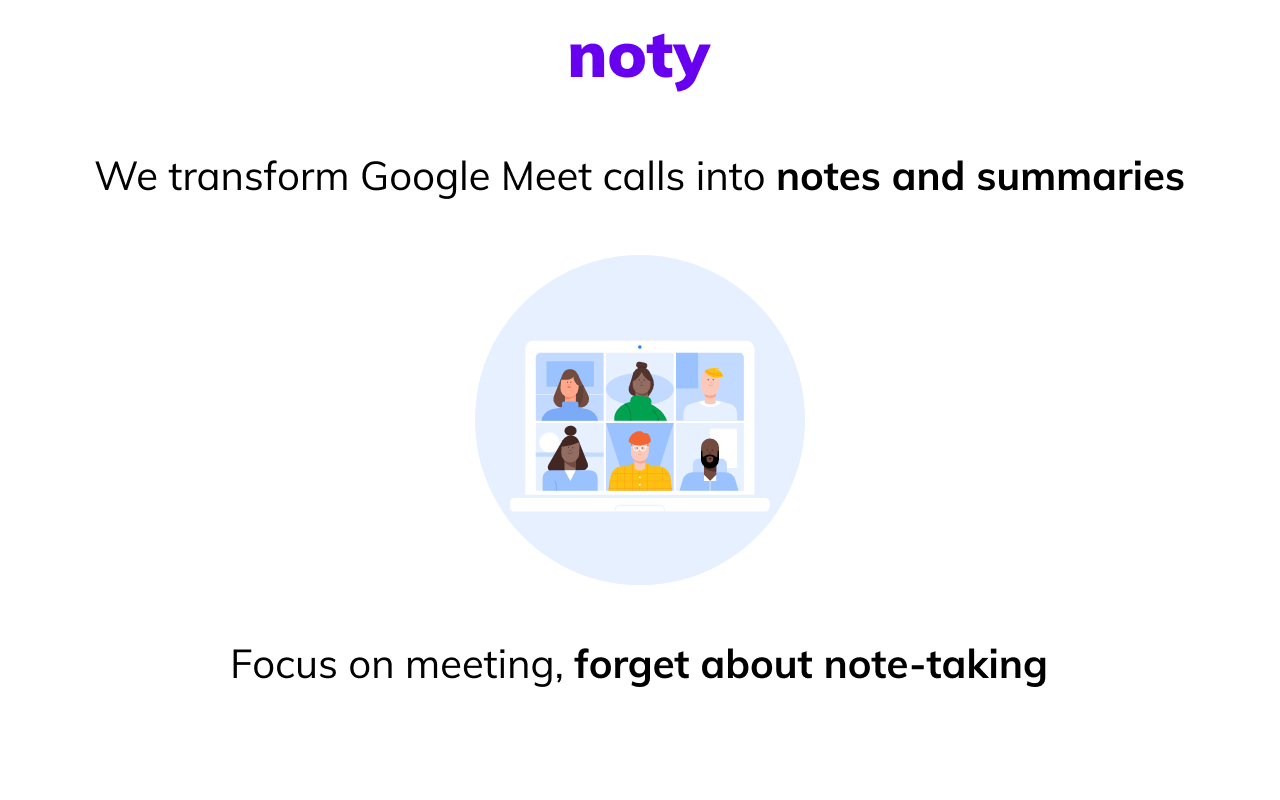
Google Meet Meetings Transcription and Meeting analytics.
🚀Capture important conversations without losing your focus on writing notes or meeting minutes, using Noty for Google Meet Transcription and Meeting analytics.
Hi 👋 We built Noty cause we know how important is to capture conversation moments, staying focused without worrying about taking notes or forgetting anything.
Remember that last time you:
🤦🏽♂️Didn’t join your standup meeting since you were double-booked with a client meeting but needed to know if a particular issue was discussed?
🙅🏾♀️Lost your focus during the meeting because of digital fatigue or short attention span or even lost all your meeting minutes?
🙆🏿♂️Didn’t pay attention during a call but needed to refer back to an important issue discussed during the Google meet meeting?
🤷🏼Had a productive, engaging meeting where everyone forgets what is supposed to be done after the meeting?
Noty helps you to solve all those problems. 🎯
Noty transcribes your Google meet meeting, prepares meeting summaries, action items and followups so you can easily search all your calls in one central repository. Easily tag, highlight meeting notes and gain your meeting insights in seconds.
Noty is a must-have extension for Google Meet users, it is great for remote, onsite and distributed teams looking to have real-time or asynchronous meetings.
Noty.ai is available across Google Meet. Zoom and Microsoft Teams integration coming in Q1 2022.
What Noty is best at:
🖌️ Transcribe and caption conversation in real-time in English, Español, Português, Français, & Deutsch;
🗂️ Auto-save meeting notes with insights extracted for you to your personal account
🔍 Search notes by speakers, topic, date or purpose to find exactly what you are looking for
📨 Share meeting notes with you colleagues via link or email in seconds.
KEY FEATURES 🚀
✍️ Capture and keep track of the full history of the meetings happened
🙌🏼 Collaborate on shared meeting minutes, notes, tasks
📌One-click highlighting and tagging of key statements and action items to easily find them in the transcript
📃 Document, track, and follow-up on action items and follow ups
📝 Automatically send meeting notes to the team once the meeting is finished
📩 Saves Google meet chat messages, links and comments automatically to transcript.
⏸️ Pause and enable transcription of a meeting or portions of it.
📊 Get meeting insights: analytics of engagement, sentiments and questions
💻 Capture and have screenshots and attach it to the transcript
🖇️ Easily invite teammates and colleagues and work together in shared folders
Read more about use cases and new features: https://www.noty.ai/
🔵 Integrations available:
📅 Google Calendar: View and check off next meeting directly from your Noty account
📹 Google Meet: Interact with transcript and your meeting agenda directly in Google Meet video call
📄 Google Drive integration: Edit Google docs within your agenda
📤 Share to Slack with just one click. Share all of your notes with anyone.
✉️ Gmail integration coming soon.
HOW NOTY WORKS
✅ Install Noty - Google Meet Transcription & Analytics chrome extension
📌 Pin Noty in Extension panel to never forget a word again
📟 Now Join Google Meet and have fun
📢 Customize your Noty extension to work automatically or on-demand, for business or private calls.
✏️Tap on the highlighter to mark an important part of the transcription.
📄 Get documents, highlights and summaries prepared by Noty just after the call.
✅ Your transcript will automatically save to your personal account where you can manage all your meeting notes.
🚀 Use now or save for later. Share it throughout organisation via link or email
WORKS BEST FOR
- Hiring and Recruiting
- Remote Team Meetings
- User Testing, Market Research & Customer Interviews
- Training and onboardings for teammates or new hires
- Customer Calls and Demos
- Sales Calls
- Remote classes and lectures
- Onboarding / Training
- Scrum meetings
LOVED BY:
- Distributed teams
- Startup founders
- Investment managers
- Product and Engineering
- Customer Success & Sales
- User Research
- Recruiters & HR
- Webinars / Onboarding / Training
HOW TO USE FOR GOOGLE MEET:
💻 Start Google Meet in your browser
✅ Click on the Noty.ai Chrome Extension icon to open the extension. Sign up or log in
⏸️ Click the || button to pause, then either select Resume Recording or Stop Recording
HOW TO USE NAVIGATION PANEL
🖱️ Place navigation panel at any place on screen
📌 To highlight: (1) click and drag to select some text, then click the Highlight icon in the popup menu; (2) click the Highlight button at the lower right corner to highlight the last sentence
⏺️ Record & transcribe meetings & calls directly from your browser across Google Meet where you're making calls
HOW TO CAPTURE A SCREENSHOT:
📷 Click a small icon in navigation panel
Right-click and choose an item from the context menu.
- Use custom hot keys that you configure in Nimbus Screenshot settings.
📅 HOW TO USE GOOGLE CALENDAR INTEGRATION:
- Open Noty and Integrate with Google Calendar
- Sync Noty agendas to your Google Calendar
- Access and collaborate on meetings agendas directly from your Google Calendar view
- In a new event or existing calendar event, click on “Add Noty Meeting Notes.” This will insert a Noty meeting link in the meeting transcription.
- Choose who you would like to share these meeting notes with and their permission level. By default, they will be shared with your calendar event guests.
- You're all set! Now, the people you want to share the meeting notes with can easily find the Noty link in the event invite.
➜ CAN I SHARE AND COLLABORATE WITH OTHERS?
Yes. Noty allows you to edit meeting minutes and send it to your colleagues so anyone can be on the same page. Share links to meeting notes in real-time or send email. Stay organized and make progress with your team projects using Noty! Use it Create a folder and invite your team instantly. Members will have full access to conversations in the folder.
Noty makes meeting notes for more than 40 companies around the 🌎 globe. Used daily by leading IT companies, engineers at companies like Salesforce, Ciklum, salespeople, founders, managers, teachers and anyone who hates taking meeting notes but needs them.
PRICING:
Free in Beta. We will release a Pro Offering on January 1 2022.
We will never lock data of existing Beta users behind a pay-wall.
🔒GPDR AND CCPA COMPLIANCE
We are GDPR-compliant. As a company head-quartered in Delaware, we take security very seriously and your privacy is of the highest important to us. Please read our Privacy Policy for details on how we use, protect, and process personal data.
🔐 PRIVACY & ENCRYPTION
- Learn more about privacy here (https://www.noty.ai/docs/privacy-policy). We use industry-standard Mongo DB hosted at Google Cloud. All connections to and from Noty are encrypted using SSL. Any attempt to connect over HTTP is redirected to HTTPS
🙌🏽 HELP & SUGGESTIONS
Check https://www.noty.ai/ for more information
Visit our help center at https:https://help.noty.ai/en/
Contact us at 💌 email: [email protected]
**FOLLOW US ON**
- LinkedIn: https://www.linkedin.com/company/notyai
- Twitter: @natalka_notyai