


MusiQ Tab
Extension Actions
Play and control your local music folders directly from your browser tab.
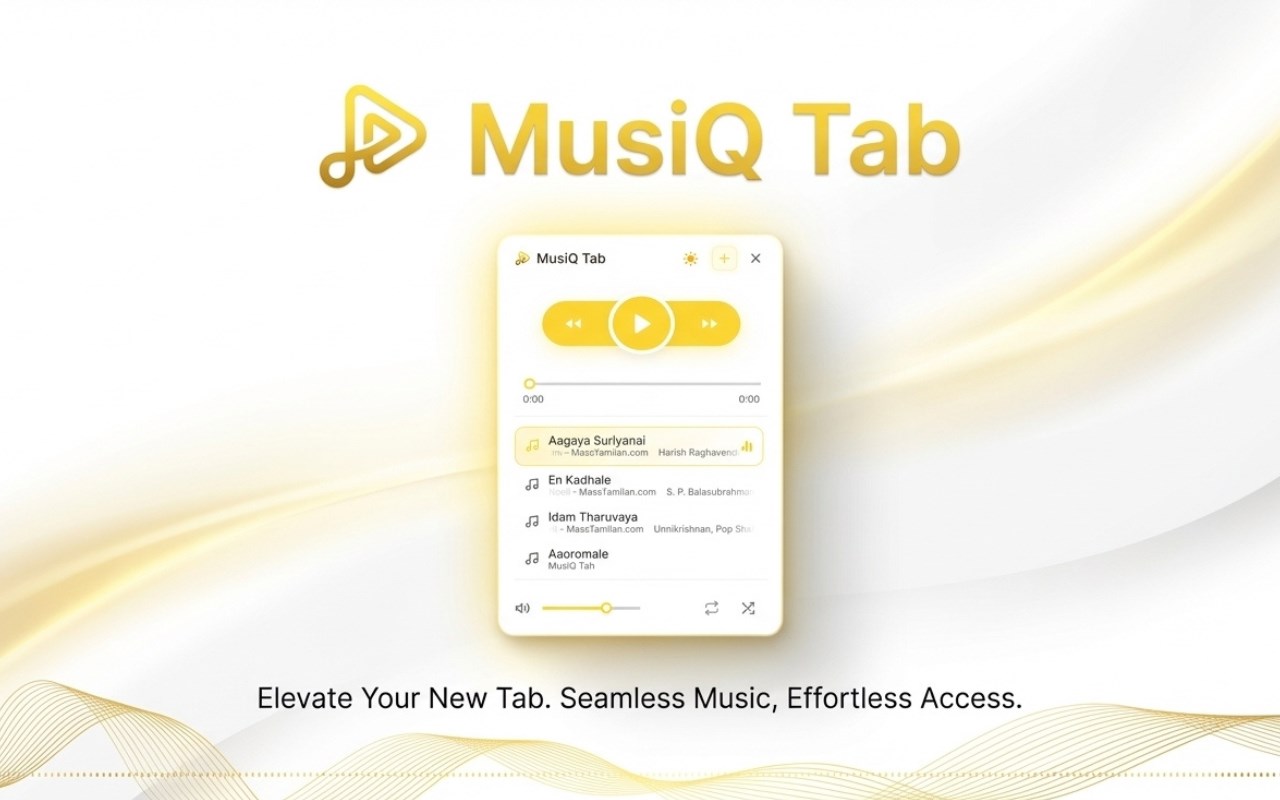
MusiQ Tab: Local Music Player for Your Browser
MusiQ Tab is a sophisticated browser extension tailored for music enthusiasts who want to enjoy complete control over their local music collections directly from their web browser. Unlike conventional streaming services or online music players, MusiQ Tab converts your browser into a sleek and efficient music player capable of loading, managing, and playing audio files stored locally on your device. Designed with convenience and performance in mind, this extension is ideal for users who want to access their personal music libraries without relying on internet connections or uploading their files to cloud services.
Harnessing the power of advanced browser technologies such as offscreen document support and the modern Web Audio API, MusiQ Tab ensures a smooth, uninterrupted listening experience—even while navigating other tabs or windows. Its interface is clean, intuitive, and focused on usability, providing easy access to your favorite music folders and offering detailed track information and album artwork for a richer user experience. Setup is straightforward: select the folders that contain your music, and MusiQ Tab will automatically scan and index supported audio files with embedded metadata like artist names, album titles, and track details.
A core philosophy behind MusiQ Tab is user autonomy and privacy. The extension does not require internet connectivity for playback and does not upload or share your files. All your music data remains on your device, ensuring that your listening habits and files are private and controlled solely by you. The extension efficiently manages background playback using offscreen documents, allowing you to seamlessly switch tabs or browse without interrupting your music. It also optimizes memory usage to maintain browser responsiveness during extended listening sessions.
MusiQ Tab bridges the gap between traditional local music organization and modern browser-based playback convenience. It displays album covers and rich metadata extracted from your music files, presenting it in an elegant popup that doubles as a control interface. Whether you are studying, working, or relaxing, you can enjoy your music library with ease and confidence through this extension’s secure and privacy-conscious design.
Key Features:
- Play and control music stored on your local device, directly from the browser tab.
- Utilizes the modern Web Audio API for high-quality sound output and smooth playback.
- Provides volume controls and playback navigation including play, pause, and skip functionality.
- Automatically scans selected folders for supported audio files and extracts detailed metadata such as title, artist, and album.
- Displays album artwork and rich track information to enhance your listening experience.
- Supports uninterrupted playback using offscreen document technology even when switching browser tabs.
- Remembers your music folder selections and playback states by leveraging browser local storage.
How It Works:
1. Install MusiQ Tab from your browser’s extension marketplace.
2. Launch the extension from the browser toolbar and choose your preferred local music folders/files for scanning.
3. The extension automatically identifies supported audio files within those folders and reads embedded metadata.
4. View your organized playlist within the popup interface, complete with track titles, artists, and album names.
5. Use the controls in the popup to play, pause, skip tracks, or adjust the volume easily.
6. Enjoy album artwork and detailed music information displayed alongside your tracks when available.
7. Continue listening uninterrupted while browsing other tabs, thanks to background playback enabled by offscreen document support.
Privacy: - No personal data collected.