
WebCull Bookmark Manager
Extension Actions
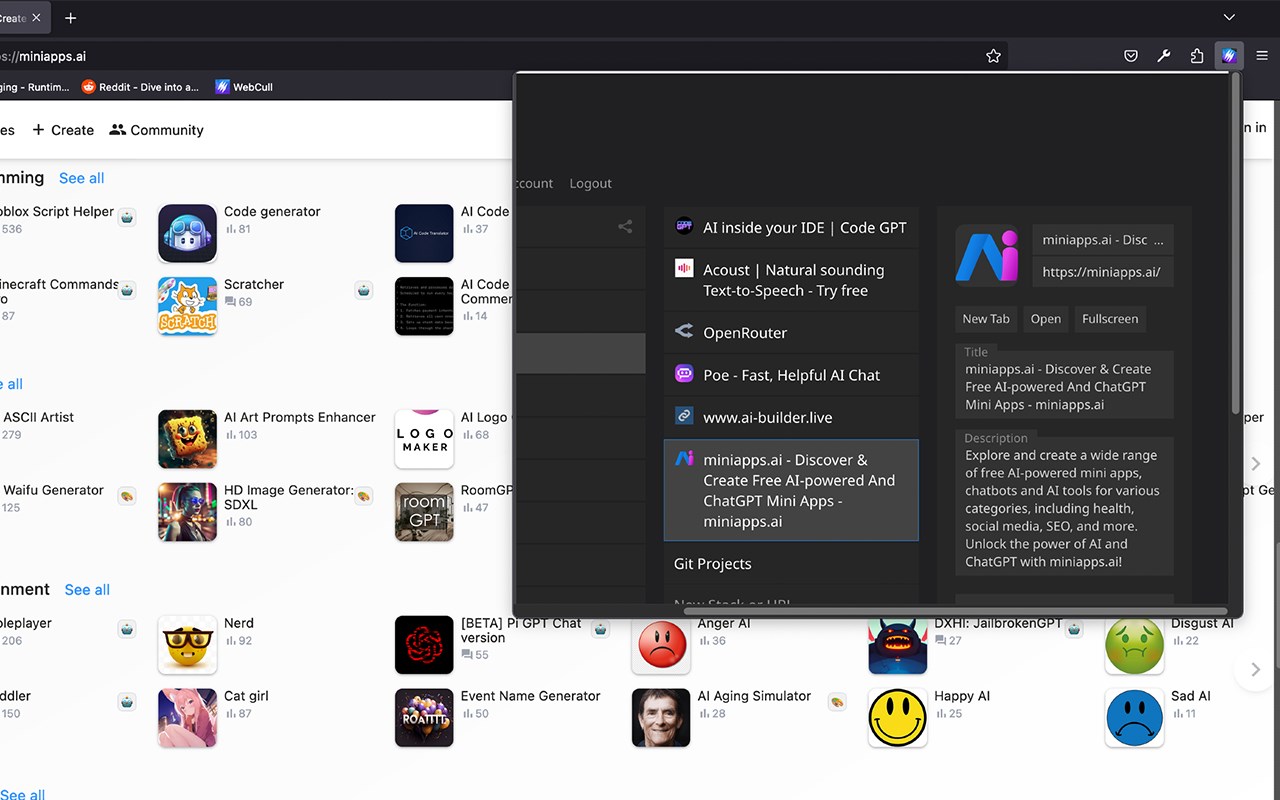
WebCull is a cloud-based bookmark management solution designed with an emphasis on privacy and user experience. Unlike many other services, it does not rely on ads or third-party trackers, ensuring that your data remains your own. This is a crucial feature in an era where data privacy concerns are rampant.
This extension introduces a convenient toolbar button to your browser, enabling quick access to WebCull as you browse other websites. Additionally, it customizes your new tab page to load WebCull for immediate access to your bookmarks. This feature enhances productivity by streamlining bookmark management, but if you prefer the standard new tab page, it can easily be disabled in the extension settings.
The User Interface (UI) of WebCull has been engineered for both efficiency and aesthetic appeal. It is not just about looking good but about maximizing productivity. The interface offers quick drag-and-drop capabilities for easier bookmark organization and comes with customizable backgrounds that allow you to create an environment that suits your workflow.
Another important aspect of WebCull's UI is its shortcuts feature. While many applications offer some form of keyboard shortcuts, WebCull's are designed for comprehensive control. Whether it's navigating between folders, editing bookmark titles, or even deleting obsolete bookmarks, you can do it all without taking your hands off the keyboard.
The import feature deserves a special mention. If you've been using a different bookmark manager or just the native bookmarking feature of your browser, switching over could be a daunting task. WebCull makes this easy by supporting bulk import across various formats. This means you can bring your carefully curated list of bookmarks into WebCull without starting from scratch.
Sharing is another area where WebCull excels. Whether it's sharing a single bookmark or an entire folder hierarchy, WebCull offers a secure method to do so. Each shared item comes with its privacy controls, allowing you to password protect it, or disable its public access any time.
Cross-platform and multi-browser synchronization is not just a convenience feature in WebCull; it's a core functionality. It's built to ensure that whether you're switching from your laptop to your mobile phone, or from another browser, your bookmarks go with you.
It's not just about storing URLs, though. WebCull also supports metadata for each bookmark, allowing you to add notes or tags, as well collecting keywords and content directly from the site so that you don't have to add any keywords yourself. This makes it easier to search for bookmarks later and provides an additional layer of organization that goes beyond folders and titles.
WebCull offers a generous amount of free bookmark storage, but for power users, our paid subscription removes these limits and unlocks the full suite of features. This includes unlimited bookmarks, access to custom backgrounds, and other exclusive functionalities. If you're looking for a sophisticated bookmark manager that marries a superior user experience with strong privacy principles, and offers flexible pricing options to fit your needs, WebCull is your go-to solution.