


Full Page Screenshot
Extension Actions
Capture, edit and export full-page, visible-area and selected-area screenshots locally. Supports PNG, JPG, WebP and PDF.
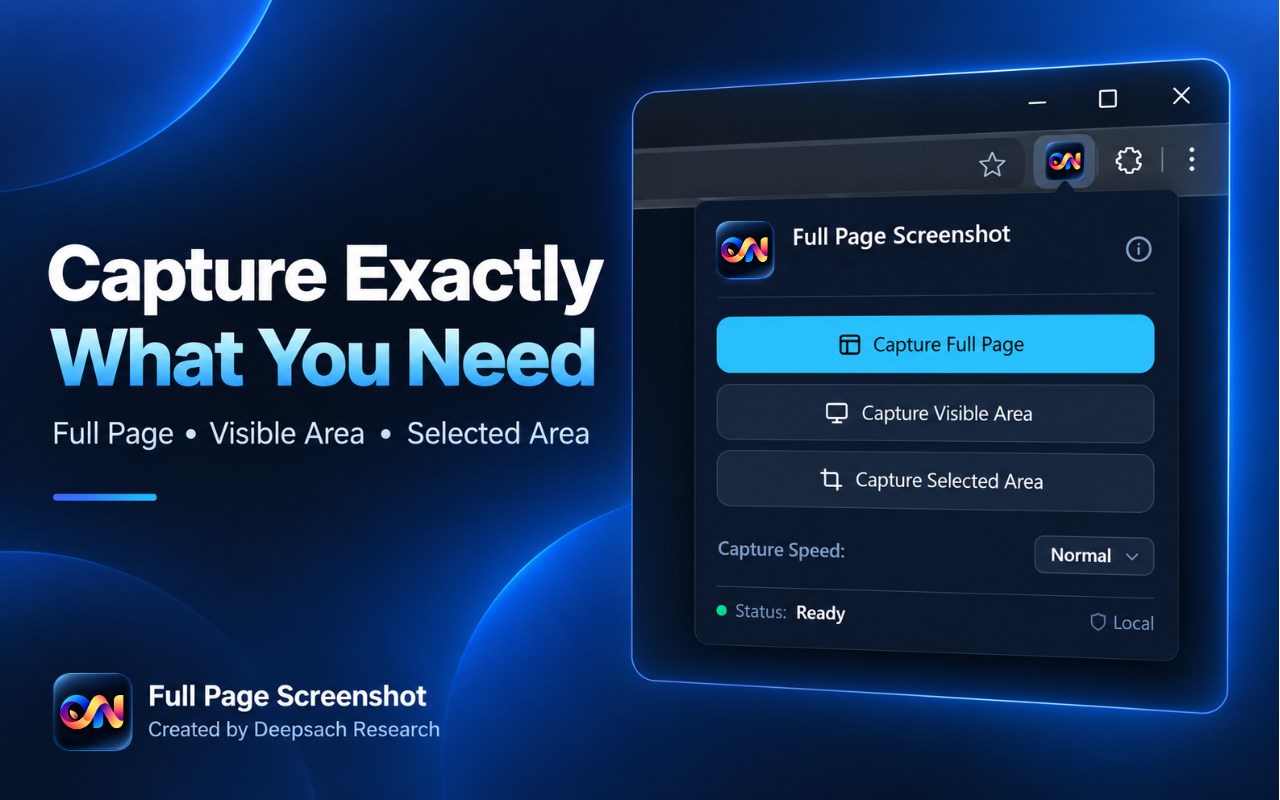
Full Page Screenshot is a privacy-first browser extension for capturing, editing, and exporting webpage screenshots.
Capture an entire webpage, the visible area, or a selected region directly from your browser. After capture, use the built-in editor to crop, add arrows, rectangles, highlights, text, or blur sensitive information.
Key features:
• Full-page screenshot capture
• Visible-area capture
• Selected-area capture
• Built-in screenshot editor
• Crop, Arrow, Rectangle, Highlight, Text, and Blur tools
• Undo, Redo, and Reset
• Export as PNG, JPG, WebP, or PDF
• Custom file names
• Full-page keyboard shortcut: Alt + Shift + S
• 100% local screenshot processing
Privacy is a core part of the extension. Screenshots and webpage content used for capture are processed locally in your browser and are not uploaded to Deepsach Research or external servers.
No tracking.
No analytics.
No account required.
Created by Deepsach Research.
EXPLORE. UNDERSTAND. CREATE.