
Time Tracker by TimeCamp
Extension Actions
Put your favorite free time tracker into any tool you use.
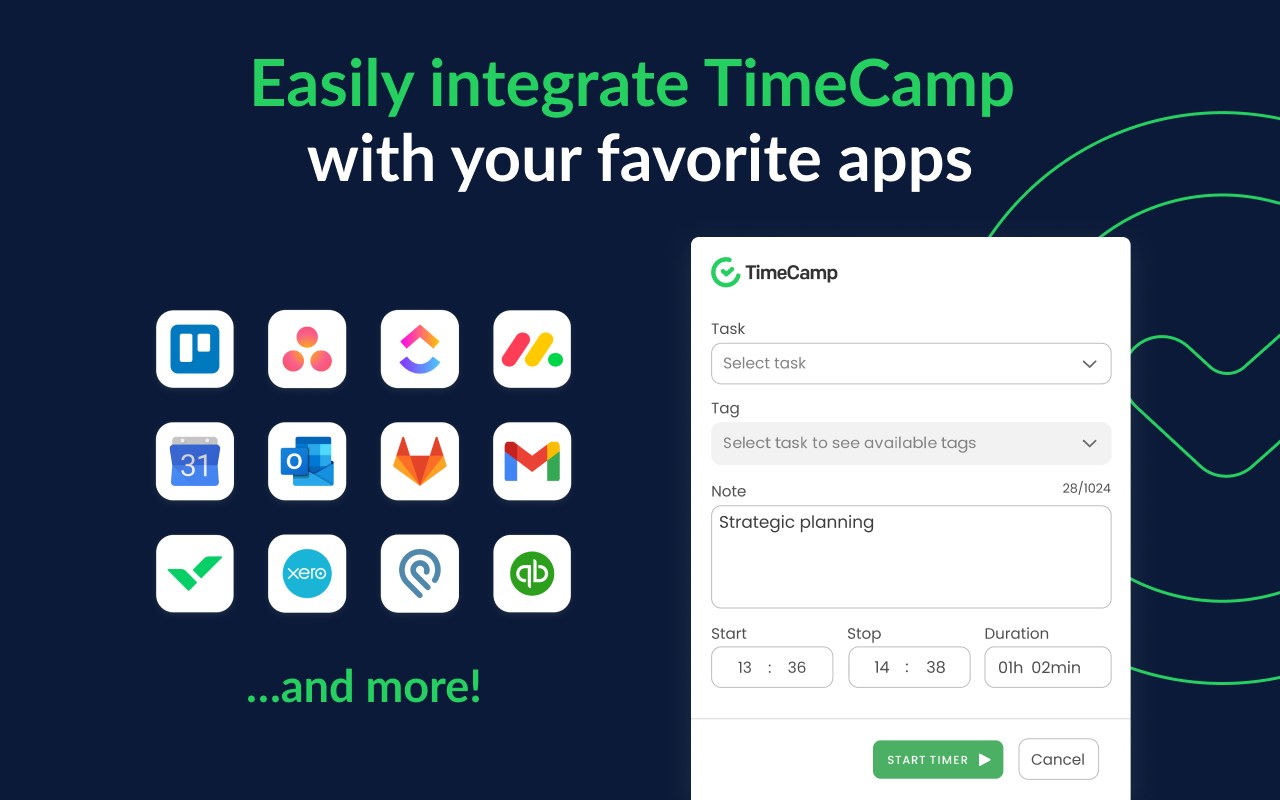
Add a timer to any web tool you use, and enjoy tracking time straight from the browser!
TimeCamp Plugin for MS Edge works two-way as:
- An extra button within the task/card view of your tool,
- Separate timer within a plugin interface under the TimeCamp icon next to the address bar.
Start a timer whether you need it and stop it when you finish the task. The plugin syncs with TimeCamp automatically, so the records will immediately appear in your timesheets.
Get the plugin in seconds:
1. Hit the “Get” button and install the plugin,
2. Once installed, log into your TimeCamp account (or create a new one).
Voila! Don’t forget to pin it to the extension bar to always keep it handy ;)
82% of our users chose TimeCamp over other time trackers. Join them and enjoy clear-cut, data-driven project profitability analysis with estimates-based budget tracking.
Latest reviews
- Krzysztof
- I love the ability to track time directly in Asana and Google Docs with one click. Simplifying filling timesheets and shortening the time tracking process to seconds.
- [email protected]
- Works well