
The Black Cat
Malware Detected
This extension has been flagged as potentially malicious.
Extension Delisted
This extension is no longer available in the official store. Delisted on 2025-09-17.
Extension Actions
- Malware
- Removed Long Ago
- Unpublished Long Ago
Cute and well-tested dark themes for websites
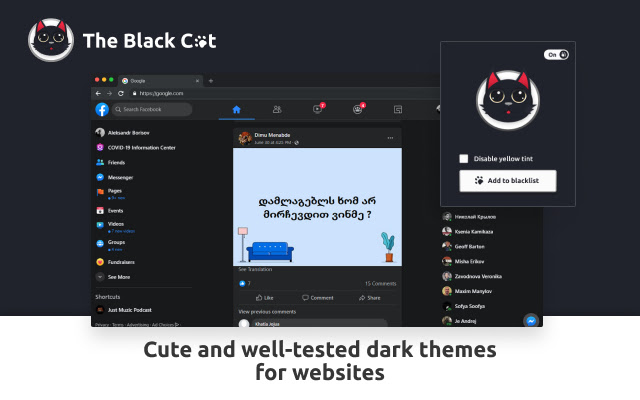
The Black Cat (aka TBC) applies dark themes to many websites.
Don’t ruin your browsing experience with low-quality dark themes. We test our themes with the latest changes on websites.
⭐ Huge list of supported websites
⭐ Enable/disable for the specific website
⭐ Yellow tint turns on at night
How to use the blacklist:
1. Open some site
2. Click the extension’s icon in the toolbar. If it’s not there, you should click on the puzzle icon first.
3. Click on the “Add to blacklist” or “Remove from blacklist” button in the popup
4. We add the whole domain to the blacklist. So if you add example.com to the blacklist, it will be enabled for pages on the example.com domain.
Latest reviews
- Murat Mamirgov
- Coolest extension of them all.
- lalaby happy
- Coolest extension of them all.
- Neelansh sharma
- best dark theme for web instagram
- Cate Semina
- One of the normal similar extensions. Everything is simple and straightforward.
- Victor K.
- Cool app, simple and convenient
- Elen Smith
- Dark themes for websites. For those who like this.
- Orkhan Jafarov
- I love how simplistic and calming it looks and it works like a charm. However I would like to be able to explore it a bit more before having to do all these things to keep working with it. I edited just one video now, but as far as my expierence goes I do love this extension!
- Kocheng Oren
- I Love it!
- Alex B
- Thanks for an actually functional extension that works with google drive, docs, etc. Dig it.