
Stop AutoPlay Next for YouTube™
Extension Actions
Stop YouTube from playing the next track, and auto navigate to the next suggestion (aka disable autoplay button)
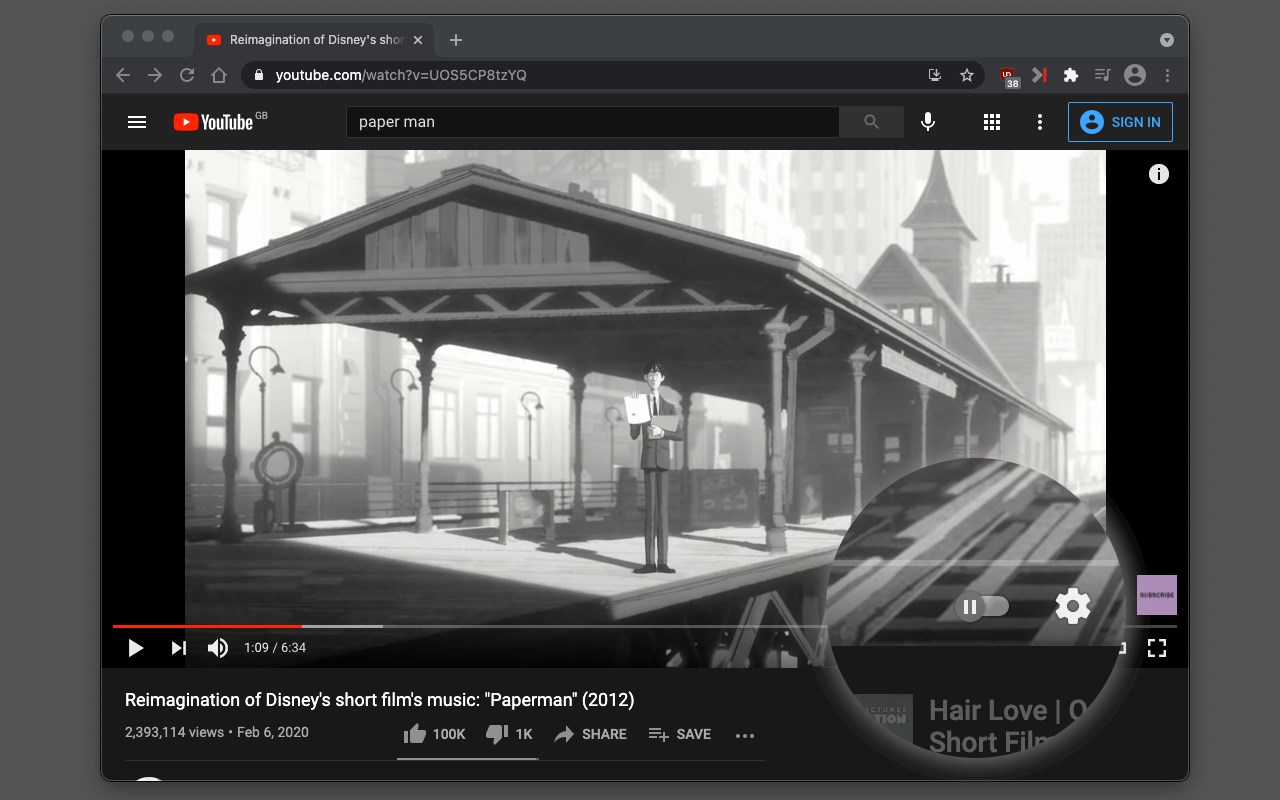
The "Stop AutoPlay Next for YouTube" browser extension provides a permanent solution to prevent YouTube from automatically playing the next suggested video. It accomplishes this by denying access to the module responsible for loading the next suggested video. Additionally, the extension reduces the visibility of the next video in the right sidebar area of YouTube pages. Moreover, it deactivates the auto-play button in the video player.
Additional Information:
- The suggestion box for the next video becomes blurred after installation of this extension indicating this feature is disabled.
- The extension also removes the slider button for the next video on the player.
Practical Uses:
- Conveniently use YouTube solely for playing a single song without continuous autoplay.
- Manage multiple background players without worrying about automatic video transitions.
Latest reviews
- Impossible
- Completely worthless.
- Karthik
- Excellent extension for getting control over annoying auto play of YouTube. Thanks to the developer.
- Drakulian
- Does NOT work at all.
- Rem
- не работает