
Network+
Extension Actions
CRX ID
egffgfkehfhpgdbbghodemkigancefap
Description from extension meta
DevTools for network recording, editing and resending.
Image from store
Description from store
DevTools for network recording, editing and resending.
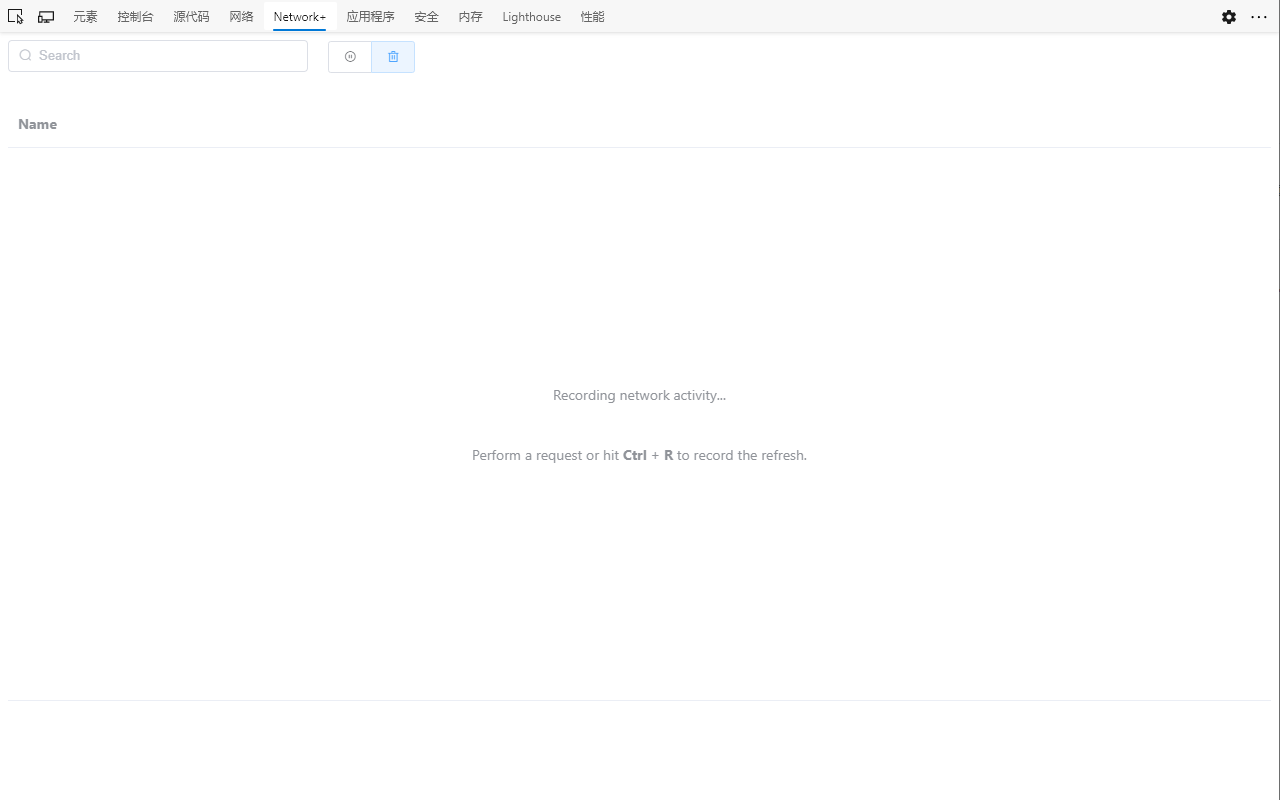
1. Open the DevTools panel and find the tab with "Network+".
2. Make some HTTP request.
3. See the log of request and response.
4. Modify some fields like "Request Method", "URL" or "Request Payload"...
5. Click the "Send" button and notice the log.