
Page Screenshot
Extension Actions
- Extension status: Featured
Take a screenshot from the entire website with just one click!
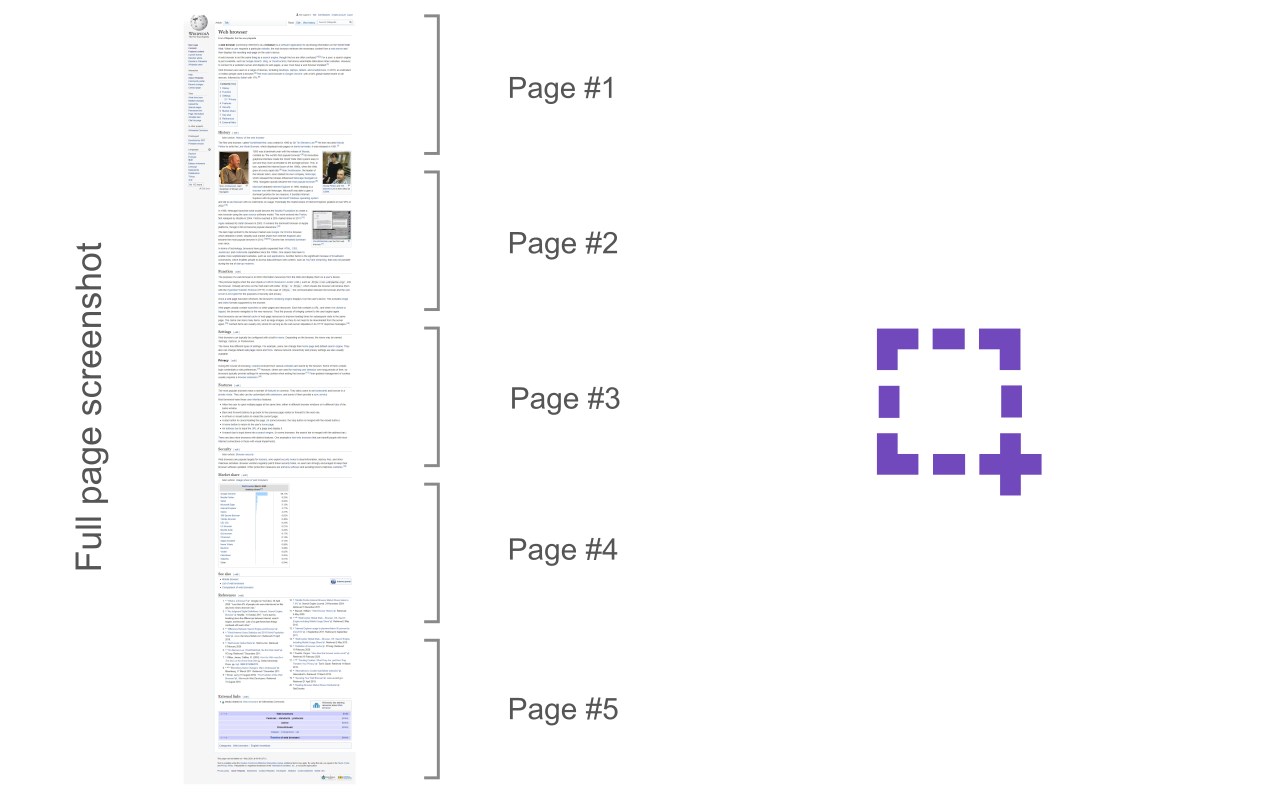
Page Screenshot is an addon that enables you to capture a full-page screenshot from any desired website.
Please click on the toolbar button (or press Alt+Shift+D combination) to capture the screenshot. You can adjust the screenshot image format from the options page. Moreover, image quality and the time delay between multiple screenshots are also customizable. The screenshot will be saved to the default download location in your browser. Please note, to change the download location, visit the settings page in your browser.
Note 1: you need to "reload" all opened tabs before using the addon.
Note 2: for long-page websites, Page Screenshot automatically scrolls the page from top to bottom (vertical scroll) to capture the screenshot. But, it does not have a horizontal scroll in case the page is too wide.
To report bugs, please fill out the bug report form on the addon's homepage (https://mybrowseraddon.com/page-screenshot.html).
Latest reviews
- Abdelrahman
- exactly what you need no config or loading just click screenshot and you get a image in your downloads
- Christine
- alt+shift+d and you're good to go!
- zack
- If I could give this -5 stars I would. What a complete waste of my time. Doesn't tell you where its downloading the screenshots. Spent 15 minutes searching. Nothing in settings references it. Just utter garbage that wastes time. I want the developer to reimburse me my valuable time for attempting do peddle garbage. Friggin Fraudster.
- Augusto
- Funcionou bem, mas podia ter uma forma de ocultar o "menu móvel" da página.
- Nitin
- good add one
- Tim
- Seems to need an update for the new Edge. Currently it only scrolls to the bottom of the page when attempting to screenshot. Would be nice if it worked.
- Pedro
- It's not possible to capture the full page when has scroll, it just captures the visible part to the user
- melanie
- muy simple.