
Hide Tabs (Panic Button)
Extension Actions
CRX ID
hailobloemoklmohmbilhkncionadkgn
Description from extension meta
Easily hide and restore all open tabs with the click of a button!
Image from store
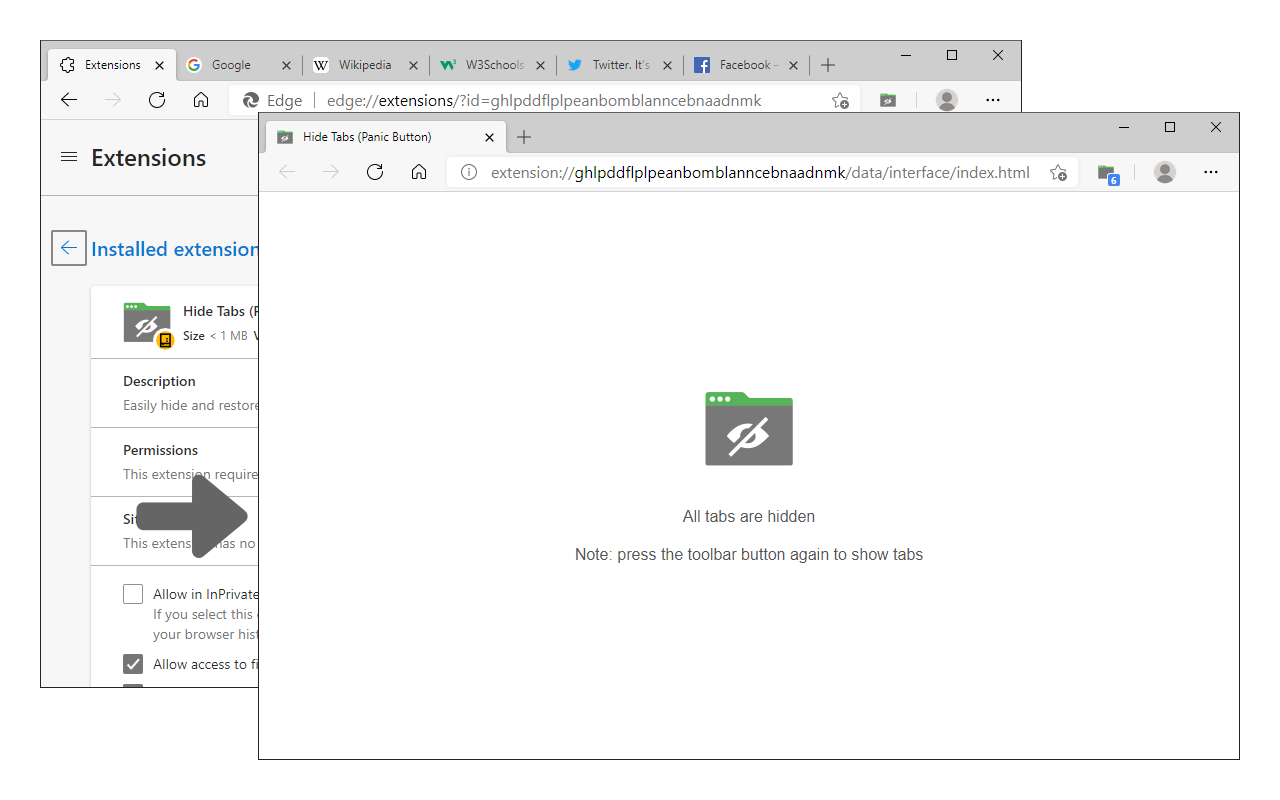
Description from store
Hide Tabs (Panic Button) is an addon that lets you easily hide and restore all tabs.
To hide (close) all tabs, please press the toolbar button once. Next time, when you click on the toolbar button again, all hidden tabs are restored to the previous state (session). To adjust the settings (i.e., show a blank hide tabs page, show badge icon text, etc.), please visit the options page and mark the desired item(s). Moreover, to hide and restore tabs, you can use the keyboard shortcut (Alt+Shift+A) instead of the toolbar button.
To report bugs, please fill out the bug report form on the addon's homepage (https://mybrowseraddon.com/hide-tabs.html).
Latest reviews
- Krishna
- developer tere ma ke chout
- jay-air
- i tried the keyboard shorcut alt+shift+A but it is not working. running on asus tp300l win 10.
- zixu
- edge里面完全没法用,点击后的确全部关了,可是你永远都别想再打开了
- Min
- After Hiding tabs, I tried to restore them/unhide them and all of my tabs were GONE!
- Ivan
- 👍