
Screenshots for Jira
Extension Actions
Take a screenshot, annotate it and upload directly to Jira.
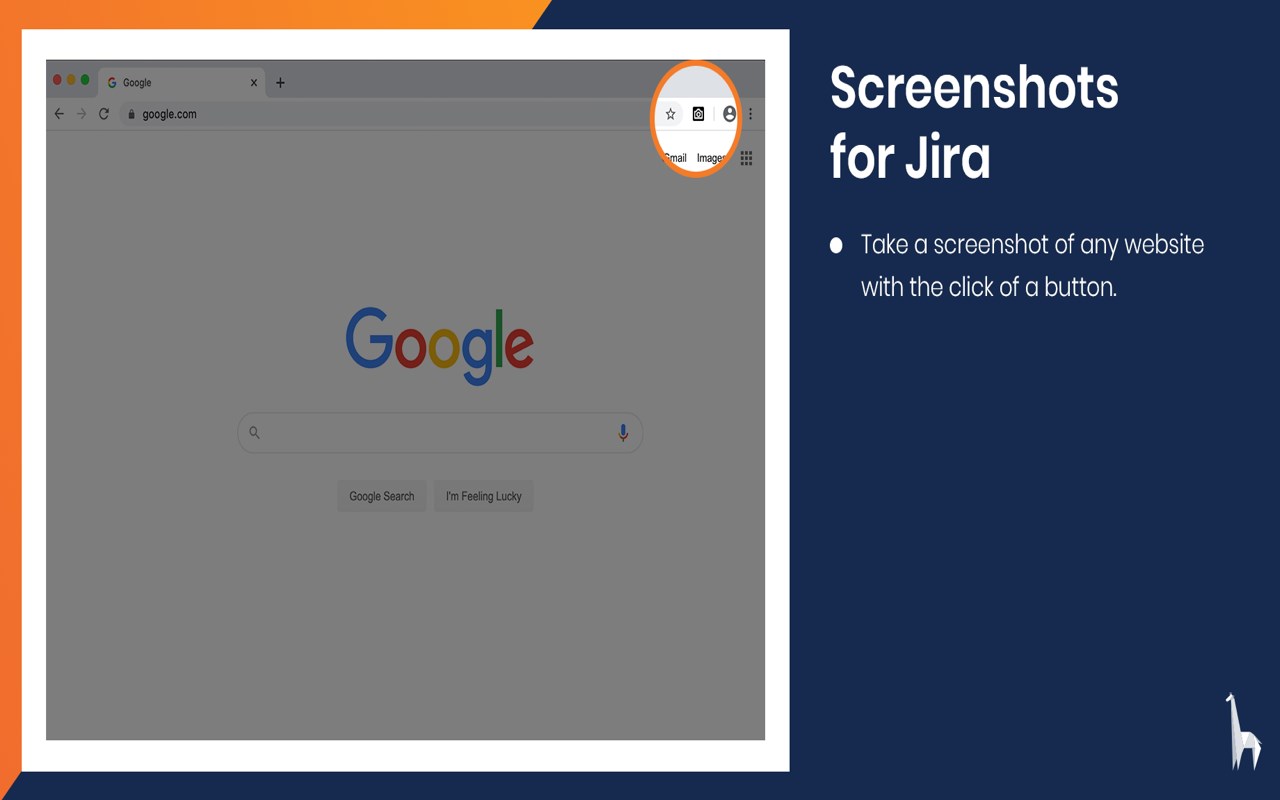
Take a screenshot, annotate it and upload directly to Jira.
With Screenshots for Jira you can easily take screenshots from any website and annotate them with text, shapes and drawings. You can then directly create a new issue or add a comment to an existing issue in your Jira Software Server. You can choose to automatically include information about your environment, like your browser version or screen resolution, to increase the efficiency of your bug reports.
Taking screenshots and annotating them is completely free. To connect to Jira, you will also need to install the Screenshots for Jira app on your Jira Software Server. Start you free trial on the Atlassian Marketplace.
Latest reviews
- omer
- I recently started teaching my classes remotely, like so many people working from home these days, and felt that I needed a tool to clip and annotate web screenshots. Btw, I am using Microsoft Edge chrome browser. After trying and removing a number of tools available to the Edge extentions, I decided that Screenshots forJira is the best one which meets my needs. It captures, clips, crops, annotates, copies, saves, and downloads your clips. It also offers a very nice and neat tool bar with basic drawing and texting tools. Very well done, and thank you to those who created such a powerful and convenient tool. Teachers, if you're a fan of Edge like me, this is a must install. Go ahead, try it. You will love it, guaranteed.
- MICROSEIK
- best