
Grid View for Google Meet™
Extension Actions
Adds a button to use a grid layout in Google Meet™.
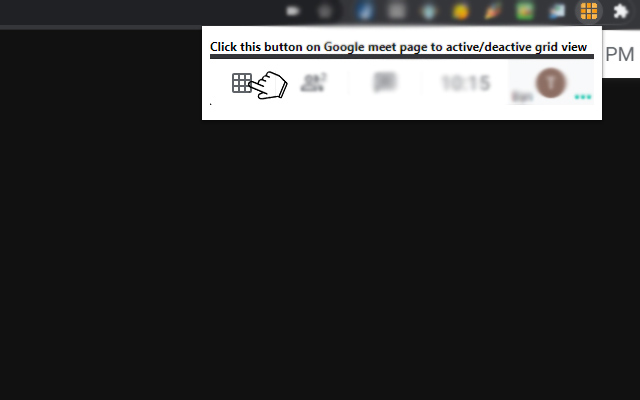
Grid View for Google Meet
This extension helps to adds a button to use a grid layout in Google Meet.
This extension adds a button to the top right bar (next to chat & participant list) to enable grid-view in Google Meet. Grid view gives every participant an equal sized video for use in meetings without a primary speaker
(such as working from home silent meetings ).
This extension forcibly loads every participant's video camera, when grid view is enabled and may cause performance issues in extremely large meetings .
Includes a variety of options to enhance your meeting: include your own video, highlight who is speaking, and hide participants without video!
To begin using this extension, here is what you need to do
Install the Software Extension
Go inside a Google Meet meeting.
Click on the extension icon when you are IN the meeting to activate our extension.
Please NOTE you HAVE to be inside the Google Meeting before you click on the extension icon for this grid view to work.
Grid View will be enabled once you click on the extension icon when you are in a Google Meet online video call.
Latest reviews
- Q7m
- 5c5810fd.weaksharedptr.com亲测好用,注册就送永久流量的!节点多,又快又稳!晚高峰流畅看8K视频!专线GPT网飞油管!(手机电脑全平台互通)
- Glen
- 100% good
- Ryan
- does not work
- School
- does not work
- Lantey,
- does not work
- Kayleigh
- it does not work
- Andrea
- Does not work
- Tim
- doesnt work