
WebGL Fingerprint Defender
Extension Actions
Defending against WebGL fingerprinting by reporting a fake value.
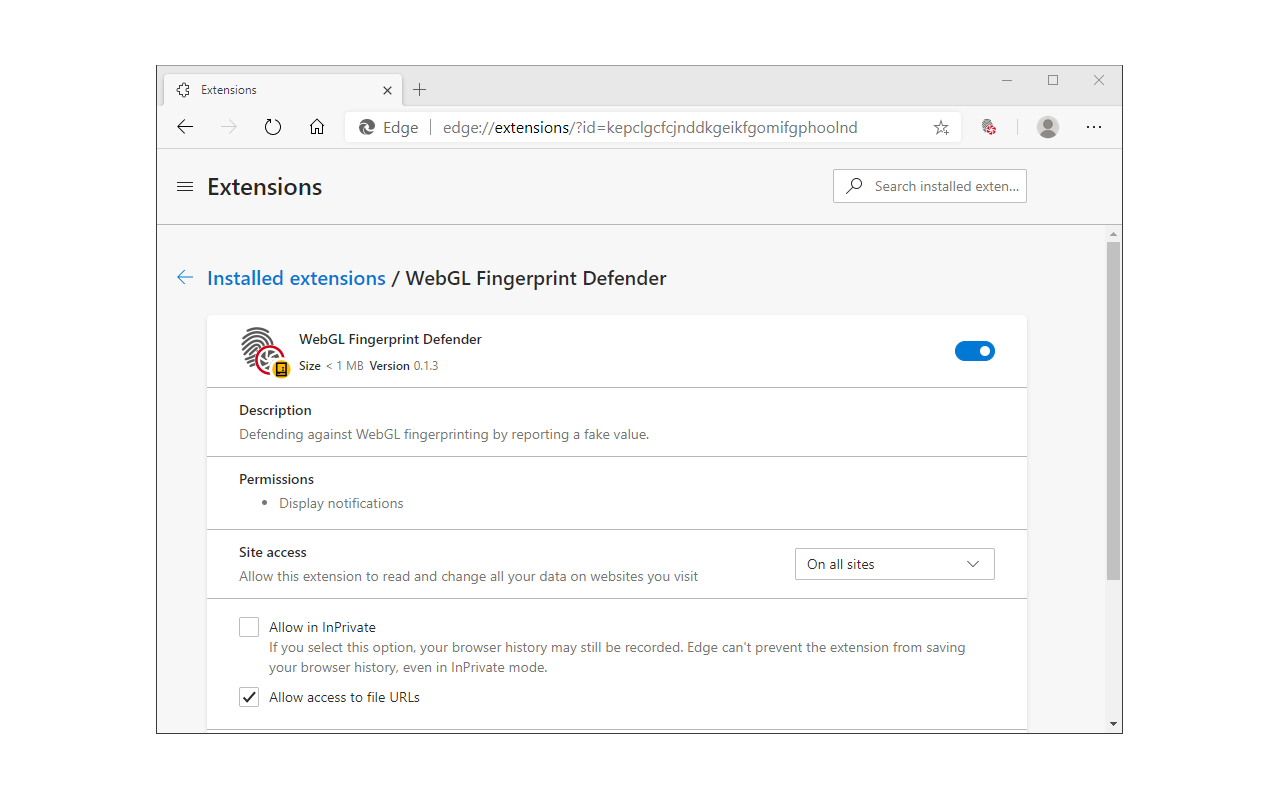
WebGL Fingerprint Defender is a browser extension that let you easily hide your real WebGL fingerprint by reporting a random fake value.
According to many tech blogs, completely blocking WebGL API is not a good idea, therefore reporting a fake fingerprint could be the best solution to better protect your privacy. This add-on simply adds a small noise to the actual fingerprint and renews it every time you visit a website or reload a page.
With the browser's WebGL API, in general, two types of fingerprints can be generated. One with WebGL constants and the other with an image that is rendered with the WebGL API. This add-on can spoof both values at the same time. To disable this add-on, please visit the extensions page in your browser and then click on the disable button. Please note that this add-on does not have any toolbar icon/button.
If you have a feature request or found a bug to report, please fill out the bug report form on the add-on's homepage (https://mybrowseraddon.com/webgl-defender.html).
Latest reviews
- Manfredi
- Unfortunately breaks Google Maps
- Mochamad
- working as intended