
Turbo Download Manager (3rd edition)
Extension Actions
A download manager with speed acceleration, site spider, dynamic segmentation, resume, pause, and download recovery
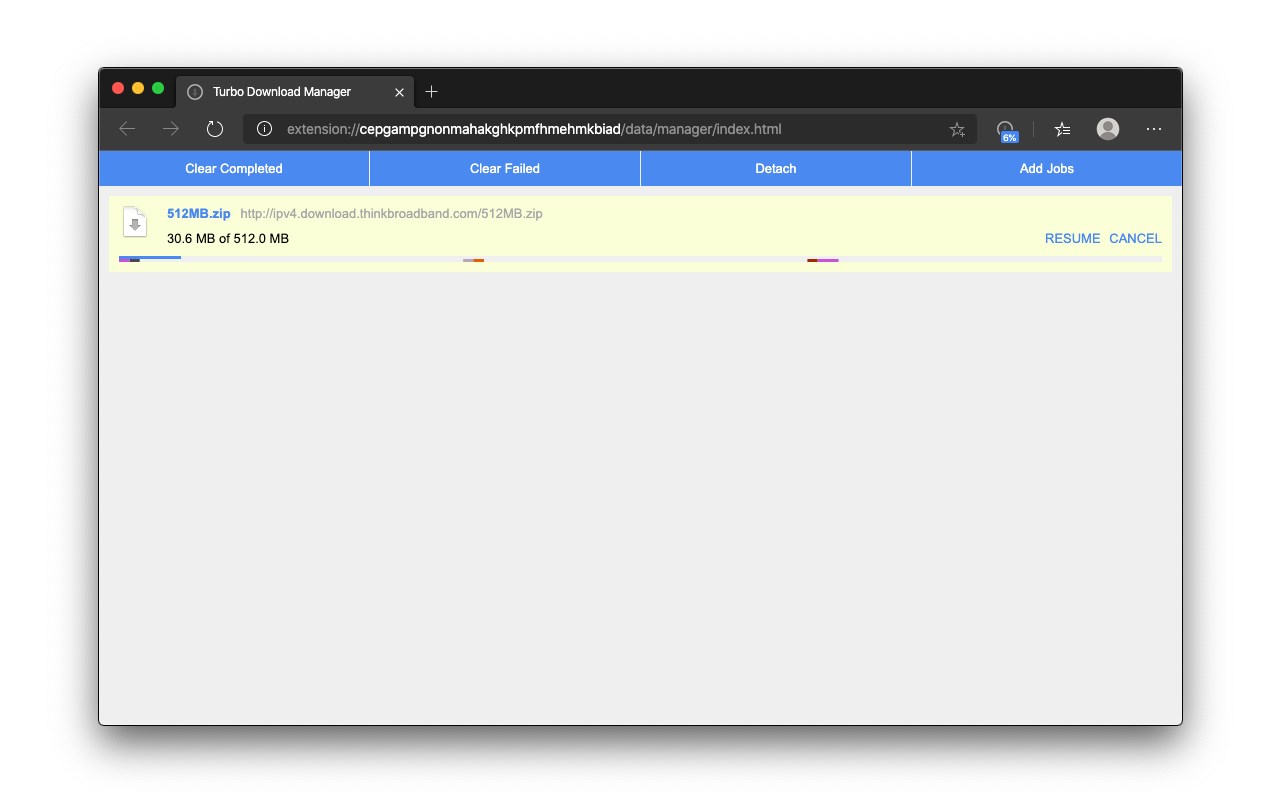
Turbo Download Manager (3rd edition) is a multi-threading download manager with a built-in tool to grab video, audio, and image sources from web pages using the internal HTML spider. Similar to IDM (Internet Download Manager), and JDownloader, this extension has a built-in tool to increase the downloading speed by fetching multiple segments of the file simultaneously. This downloader is written purely in JavaScript (there are no external dependencies).
Features:
1. Resuming broken downloads and error recovery: When the downloading process is interrupted (e.g. lost connections, computer shutdowns, or unexpected power outages), you don't need to start from the beginning.
2. Pausing active jobs: To temporarily reduce network traffic when it is needed
3. Dynamic segmentation and speed acceleration: Splits files into several sections and downloads them simultaneously in an internal IndexedDB database, allowing you to use any type of connection at the maximum available speed.
4. Enhanced audio/video files support: Has internal HTML spider module to detect media (video, audio) and image sources
5. Built-in M3U8 parser and Live Stream downloader (HLS) with AES-128 decryption support.
This download manager can be used to accelerate your downloading speed or to improve download stability on low-quality networks. The extension is integrated into your browser download manager as much as possible.
Latest reviews
- Feruchio
- Completamente inútil.
- Travis
- Another bad extension courtesy of who? You guessed it. GOOGLE!!!!!
- hackerj
- I like using this extension, and i would like a feature would would allow me to download online video files as a lower resolution. Definitely a bit more advanced but would be amazing.
- e38223
- 今天一直在找可以看谷歌的 终于发现一个好用的 直接搜索 ilink网络加速器 速度很快 你们也可以试试
- V
- Excellent extension. Some observations though: 1. I could never download media from the list of things selected and shown by the extension. The long list is confusing and I couldn't make out which of these several is the one I want to download. 2. A suggestion: Could you give an option to users for assigning priority to simultaneous downloads? I mean, I want the job earlier in queue to be downloaded at somewhat higher speeds (using higher bandwidth, or whatever criteria you select), and later jobs to be downloaded at somewhat lower speeds. Then when the first job finishes getting downloaded, the second job becomes new first, so its speed should be increased, and when it finishes, the third becomes the newer first, so its speed should be increased, and so on. This will guarantee that in case of net problem, not all jobs currently in progress would get aborted half finished. At least one or two earlier files would have got finished getting downloaded by then. Thanks.
- javad
- سلام یکی از بهترین دانلود کنده ها هستش ولی نمیدونم فایل را از کجا دانلود کنم
- ORDOÑEZ
- Entiendo que no funcione en todos los casos, pero neta 6 horas para descargar un programa y al último este no sepa donde ******* se guardó? Bad service
- FAEYZA
- em ok
- Tel
- Funciona muito bem. Recomendo.
- Brunno
- FUNCIONA Apesar de habilitar "Parallel downloading" nas flags do edge não estava conseguindo velocidades de antes com o chrome Agora sim, consegui dobrar a velacidade que estava, já ajuda muito.
- Arlandi
- Does exactly what it says. Few things missing from 5 stars: 1. Ability to set how many threads per download 2. Download next file in queue after the last one finish.