
GitHub Dark Mode
Extension Actions
CRX ID
mkmlkegjpmlpmdddbibkainphcilpagm
Description from extension meta
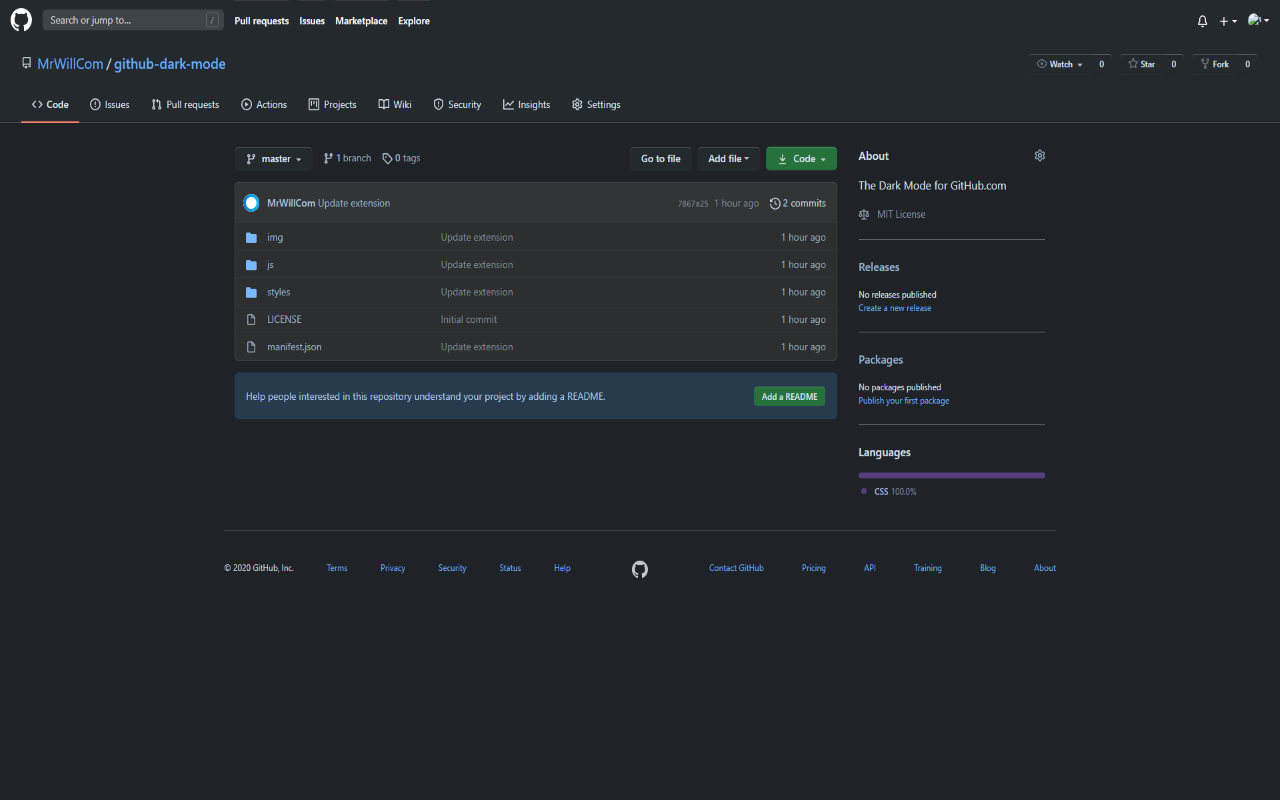
The Dark Mode for GitHub.com
Image from store
Description from store
The Dark Mode for GitHub.com.
How to use it?
1. Install this extension
2. Turn on the installed extension "GitHub Dark Mode".
3. Turn on the system control dark mode.
4. Refresh the opened GitHub.com tabs.
Open Source: https://github.com/MrWillCom/github-dark-mode
Latest reviews
- Samuil
- It's not possible to enable dark mode if OS does not uses dark mode
- Oriana
- Dont work
- Tristan
- Makes it dark.
- Dhruv
- This is very good, could you please add an option for github enterprise as well though - like adding a domain to apply github dark theme.
- End
- ?
- trinh
- ko làm việc