
Exif Viewer
Extension Actions
View the EXIF data in your photos. Select photos on your device or on a web page. Simply right-click on an image in a web page.
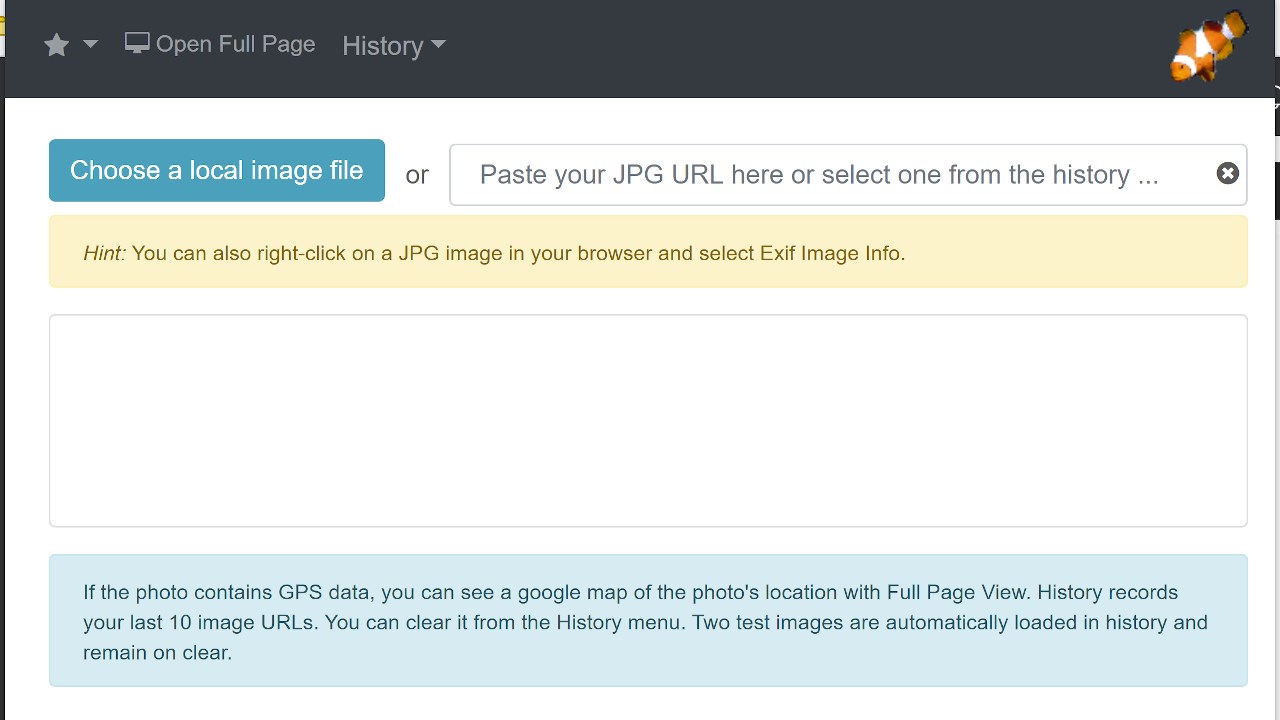
This free tool lets you open an image from your device, or from a URL, and view its Exif data.
You can view the Exif data of a image on any web page by right-click the image and selecting View Exif Info. If the photo contains GPS data, you can view a map of the photo's location in a browser tab.
There's lots of interesting information held in image files for you to explore. Some images have GPS data, so you can see exactly where it was taken.
Some camera makes (like Nikon and FujiFilm) also record the camera's shutter count in the Exif data.
A history of your last 10 image URLs is saved for faster selection.
Release notes:
1.0.20 - css update
Latest reviews
- Thomas
- does redirect to an online service, which tries to read EXIF data. So you're sharing the images to this server/service. Not as expected, when I install a browser extension.
- Guido
- Easy and useful - perfect!
- Joe
- Can't use it! Just downloaded and tried with a local .JPG file using Edge 94.0.992.50 under Win 10 21H1. Tried to invoke using context menu in for the JPG in the tab displaying the image file. I got the message "Not Acceptable! An appropriate representation of the requested resource could not be found on this server. This error was generated by Mod_Security." Message from URL "https://linangdata.com/exif-reader/?url=file:///C:/Users/Joe/Pictures/UHG/487783-029_dsc1953_3_cmyk_smaller.jpg". Either it does not work or some required installation step or environment was not stated.