
linkedin Subtitles translate
Extension Actions
translate and display texts in complete sentences and choose to show the English translation with your original language
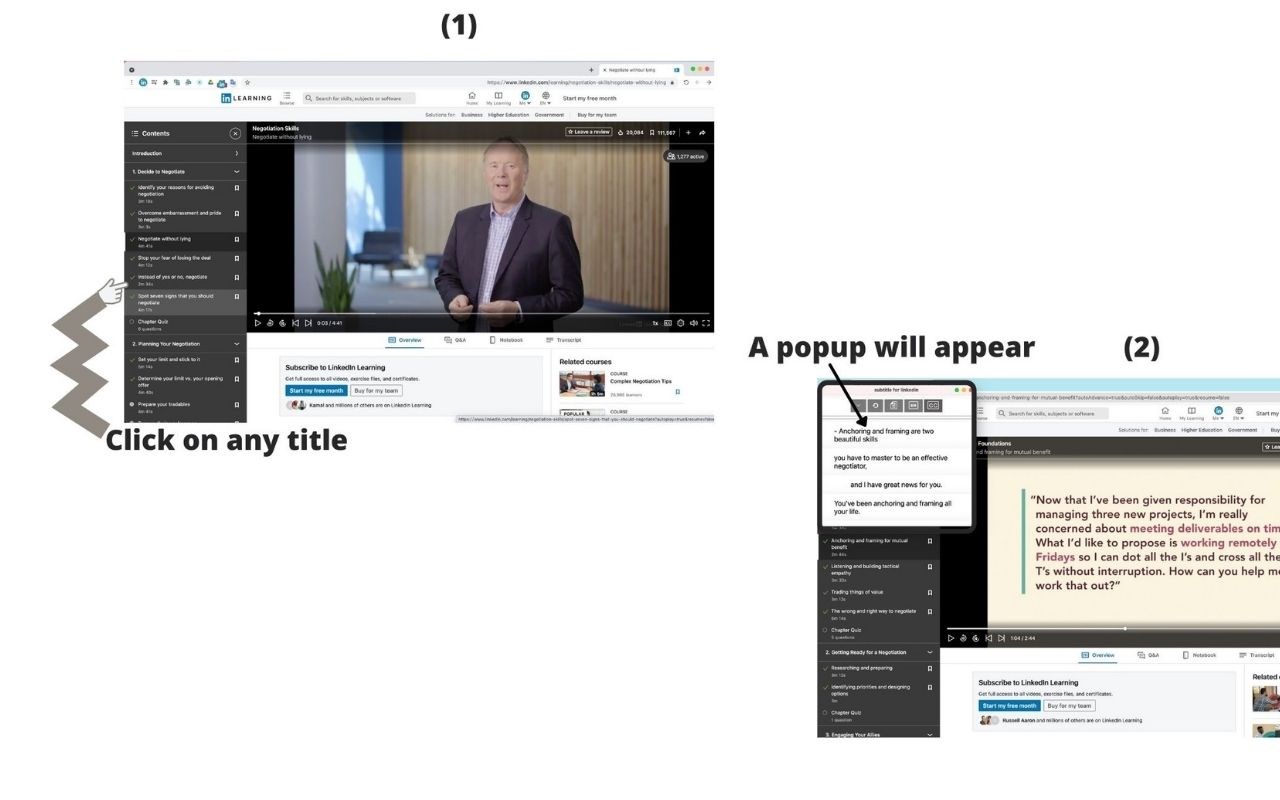
The program offers a service to users of the linkedin learning.
Captures the subtitle file and reviews it.
How to use: In the pop-up window, the user must press the right mouse button, choose Translate by Google, and choose the appropriate language for him.
And then it is approved in the video at the bottom of the pop-up window.
Program Advantages:
1) s-translation.
2) The original sub-translation with the target language.
3) Review the text in sentences.
4) Windows with focus and without focus.
5 ) Specify the font size when browsing the text.
6) Compare and review the original subtitle file with the target language.
7) You can now specify the position of subtitles on the video.
New Features
8) Add text sync with popup.
9) Add navigation control when syncing text.
10) Control the number of characters in subtitles per line.
11) Download translated text and original text.
12) Navigate to the subtitle location in the video from the pop-up window by double-clicking on the text.
Offers in-app purchases:
There is a one-time payment subscription with paypal.
Free trial:
There is a free trial that activates automatically after you activate your account for 24 hours
===== We do not collect any information about you ===
Just the registration process to be able to use the add-on