
GoFullPage - Full Page Screen Capture
Extension Actions
- Extension status: Featured
Capture a screenshot of your current page in entirety and reliably—without requesting any extra permissions!
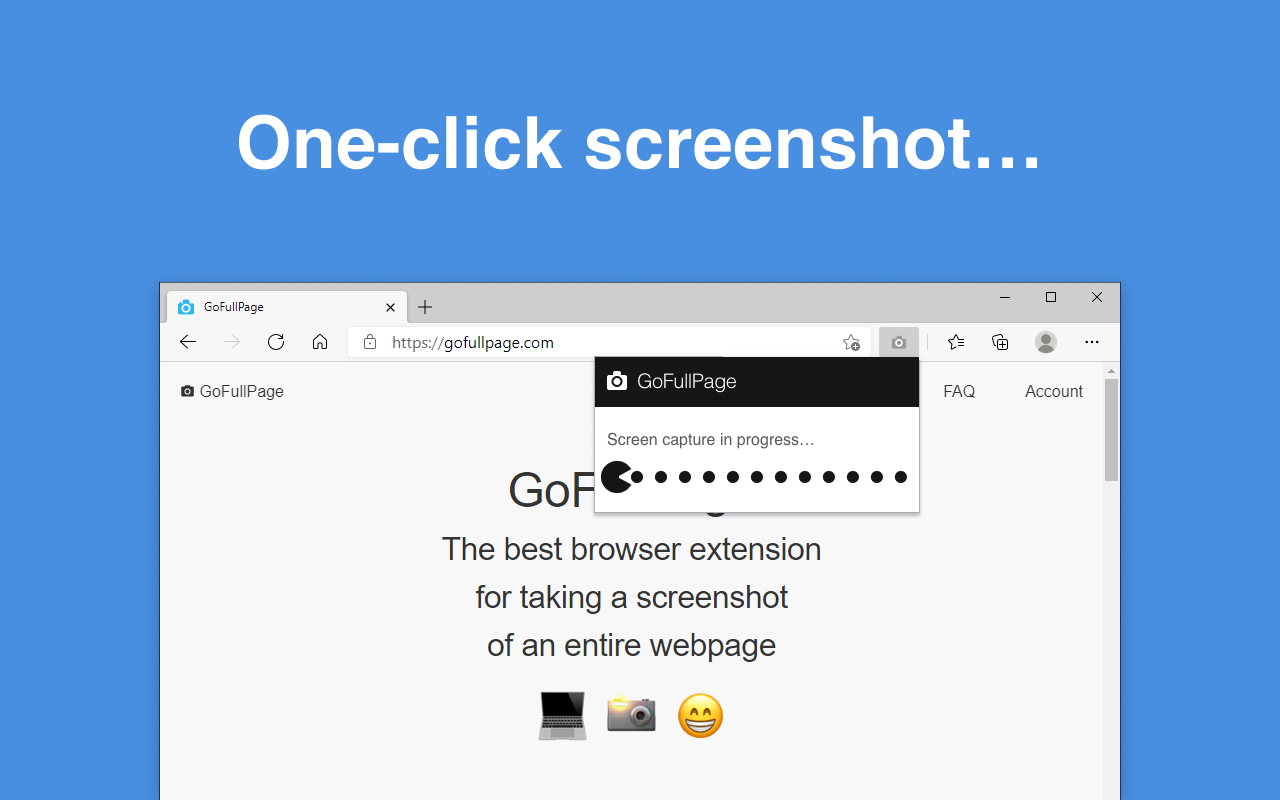
Capture a screenshot of your current page in entirety and reliably—without requesting any extra permissions!
The simplest way to take a full page screenshot of your current browser window. Click on the extension icon (or press Alt+Shift+P), watch the extension capture each part of the page, and be transported to a new tab of your screenshot where you can download it as an image or PDF or even just drag it to your desktop.
*No bloat, no ads, no unnecessary permissions, just a simple way to turn a full web page into an image.*
The advanced screen capture technology handles complex pages—including inner scrollable elements as well as embedded iframes—unlike any other extension. If you encounter an issue, please report it via the customer support flag icon on the capture page, so we can improve the extension for you and everyone else who uses it.
In order to screenshot the entire page it must scroll to each visible part, so please be patient as it quickly assembles all the pieces. For the rare scenario where your page is too large for Edge to store in one image, it will let you know and split it up into images in separate tabs.
Export your result to PNG, JPEG, or various PDF paper sizes—all configurable from the extension’s options.
With the premium editor you can crop, annotate, and add your favorite emojis to any screenshot!
Latest reviews
- Rodrigo
- Brilliant!
- Gabriel
- Super
- Edwin
- Has helped me immensely with my projects.
- Bimal
- Works very well
- Ziwei
- Amazing!!
- Quentin
- This extension works perfectly.
- Larry
- Impressive! Deserves my 5stars!!
- Soontorn
- Very impressive.. easy to use, I love PacMan ูู^^
- Rick
- A real life-saver. I have to recreate a lot of pages from an old domain we no longer have full access to. Without this tool, it would take me several days and be difficult to use as reference. With it, it's a few hours, and the long single-page PNGs are perfect.
- Shahram
- The best full-page screen capture
- Ileana
- The very best screenshot tool. I use it frequently for work. It's user-friendly, captures everything, and you can export to PDF or PNG. Amazing that it's free. Truly the best!
- Sky
- Very satisfied. Works exactly as described.
- Pranshu
- superb
- Andrea
- Does what I need for annual reports- screenshots the entire page and saves to either pdf or png with the date and time in the title! Saves me so much time, I'm glad I found this extension!
- Marco
- I rarely leave reviews but this needs a special exception. Works as intended. No Fuss, nothing extra. Works like a charm!
- Don
- This works GREAT!!! I have been using it for years. Helps me create a PDF status report from an on-line Kanban board that is quite long.
- Андрій
- Extremely easy to use and still extremely effective. Simply takes the full-page screenshot, and can save it as PNG or PDF.
- Tony
- Works like a charm!
- Bennett,
- cuts off the last 1\4 of single page or multi page captures.
- Himanshu
- The best that I have experienced so far.
- Campbell
- use it all the time as a resource to ground my AI prompts with real information, esp useful if on an intranet page or somewhere the AI can't look
- Zach
- Absolutely love this app! Works great and save time and headaches. Highly recommended
- Iza
- Great little add-on. I've been using it to capture the content from draft web pages, so I can share it with those that can't access the CMS.
- 峰
- 非常棒的截屏软件
- Magali
- Really great, easy to use and efficient. Would be incredible if the "get pdf" feature was producing readable/text pdf files.
- Glenn
- Great solution, since "Print to PDF" can't manage to work natively - in Any Chromium browser.
- Eric
- Great add-on. Simple to use, does what it's supposed to!
- Elisabetta
- effective, easy, free!
- Alvaro
- 10 / 10 extension
- Brannigan,
- Great extension
- Prem
- works really well, actually exactly what I was expecting. This add-on assists me with work on a daily basis and I really want it to remain exactly as it is right now.
- Toby
- Powerful, simple tool - works perfectly and with no ads or bloat!
- Abhijeet
- I like it—definitely a 5-star for the straightforward and simple workflow.
- Shawn
- This is my go to plugin.. the only one I use atm. Works perfectly. Saving me sooo much time!
- Pia
- This is so simple and so great. Does exactly what I want. get a fullpage screen capture that I get to save as an image or PDF. It's fast, and zero annoying stuff. It just works. Love it!
- Sane
- Works like a charm! It is just magical!!!! I used to have to copy paste scroll copy paste...... Now it's just on click!!! I can never go back to living without this extension anymore!!!!
- Jorge
- A game changer to capture web pages. Before using this tool printing web pages was a big pain. I recommend this tool if you are looking for a simple way to capture the screens for printing or saving as pdf
- 乐
- 非常好用 一屏一屏的截,可以搞定有些很难搞的页面
- Nadeem
- I like its simplicity!
- Lawton
- GoFullPage is fantastic. Finally, a screenshot extension that allows you to capture an entire page without having to piece together multiple screenshots. Major time saver.
- Garland
- GoFullPage for Edge is a fantastic add-on—simple, fast, and extremely reliable. It captures full-page screenshots perfectly with just one click, no hassle or setup required. The image quality is excellent, and it saves a ton of time. Highly recommended for anyone who needs clean, professional screenshots.
- John
- Works exactly as advertised and use it to capture Jira confluence pages that no other solution could do.
- Andreas
- Super fast, super easy, super practical. It's simply working :-)
- Julian
- This is unbelievably useful. I use this a lot when I'm working with AI to show it what I'm doing, what the problem is on the page, and ask advice as to how to resolve it. I used to have to take a screenshot, then scroll down a bit, take another, and so on, and then spend 30 mins or more stitching it all together. This does the whole thing in a couple of seconds and gives you the option to download or do something else. Just perfect.
- Schwann
- What a beauty! By far the most useful browser extension I ever had.
- Jasmin
- great and useful
- XUQING
- very usefull, worthy to install, you will enjoy it
- René
- ¡Magnífica aplicación! Facilita mi trabajo de reporteo al ser muy sencillo su uso y al tener excelentes opciones de obtener el resultado.
- Gary
- Absolutely love this. Use it daily. Does exactly what it says it will and what you want it to.
- Estevão
- não tem nada igual, agradeço muito querido dev!