ePub Reader
Extension Actions
View ePub documents right in your browser in a stand-alone popup window.
ePub Reader is a simple and powerful extension that can open any document with a ".epub" file extension.
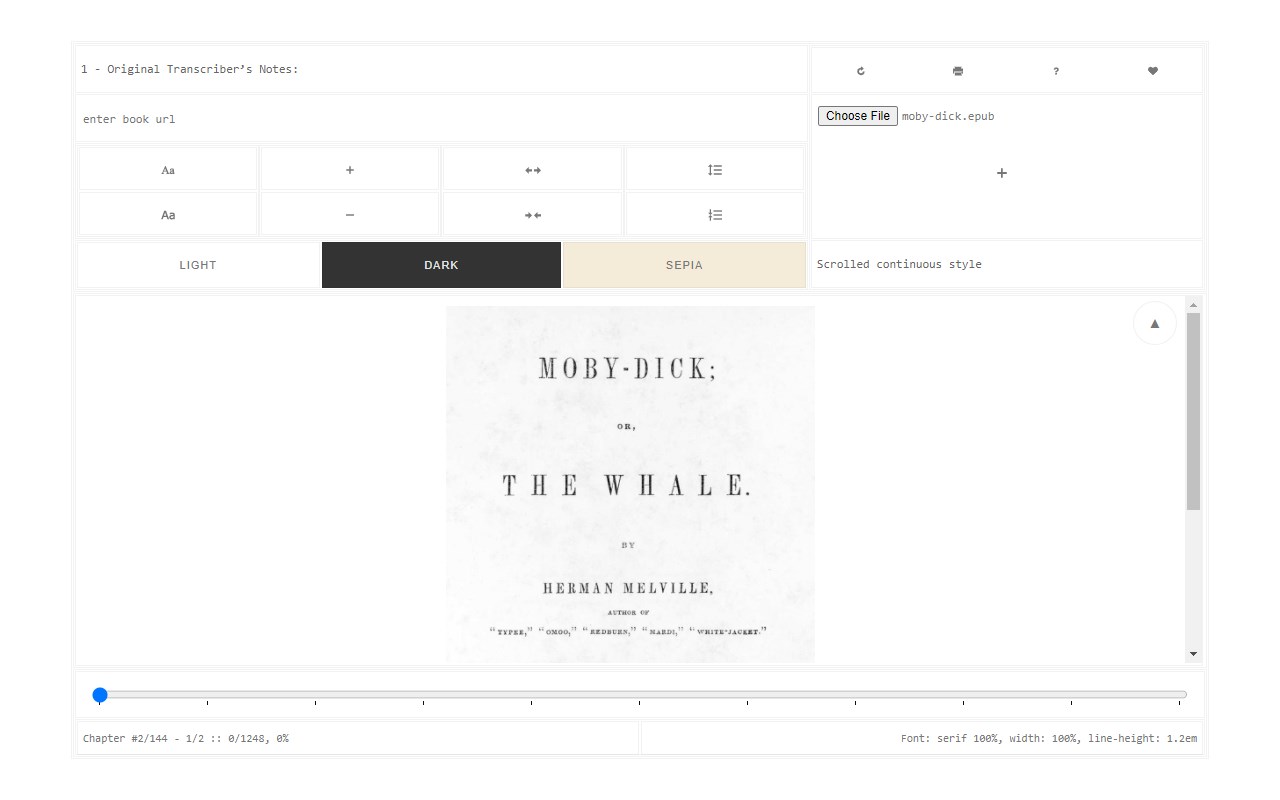
ePub is a new e-book file format for viewing online or offline documents. Please read this (https://en.wikipedia.org/wiki/EPUB) Wikipedia page to get more info about the ePub file format. To work with this add-on, please right-click on any ePub link and then click on the - View ePub - item from the context menu. Alternatively, you can open the popup window and then add the epub link in the UI (top section) to view the document.
For offline files, simply drag & drop the file to the designated area in the popup in order to load the ePub document. There are several views to render the document, please select them from the top toolbar within the UI. Moreover, you can resize the window to your desired size and the document will adapt itself to the new size.
Note: this add-on uses an open-source JavaScript library called "epub.js" in order to render the ".epub" file format. Please visit this (https://github.com/futurepress/epub.js/) GitHub page to get more info about this library.
If you have a feature request or found a bug to report, please fill the bug report form on the addon's homepage (https://mybrowseraddon.com/epub-reader.html).
Latest reviews
- Sam
- 好用,支持新的文件格式。有提纲功能。能搜索文中的文字,字体大小可以调节。功能很全。值得下载。
- Y.R.
- very good. differ from others.
- 志海
- 电子书中有大量文字嵌在图片中格式(比如DK的很多图书),用这款插件效果特别棒,和apple books的显示效果一致。其他桌面软件、插件,要么是排版变的很混乱,要么文字显示的位置不对。
- Charles
- 2 Best of epub reader in Edge
- JURIS
- Best ePub reader for windows tablet devices, hands down! It's a shame it was so hard to find.