
HTML5 Autoplay Blocker
Extension Delisted
This extension is no longer available in the official store. Delisted on 2026-04-26.
Extension Actions
CRX ID
ifgabnnpkmpgajfenhkdokengdpgcolf
Description from extension meta
Disables autoplay of all HTML5 audio and video
Image from store
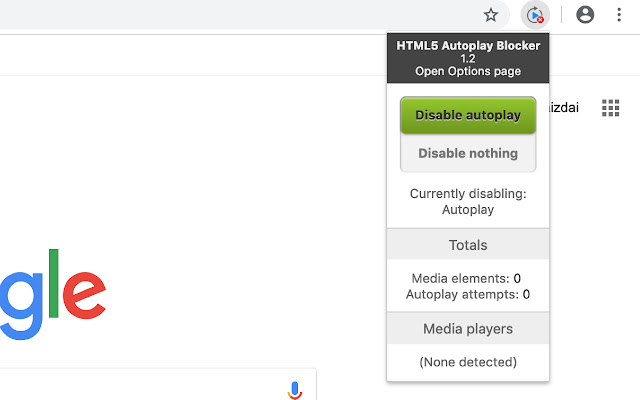
Description from store
Disable HTML5 Autoplay disables HTML5 audio and video autoplaying.
In addition to removing the HTML Autoplay attribute from media elements, Disable HTML5 Autoplay also hooks into the media's JavaScript API. This allows for restrictions on media control and simulation of expected behavior to ensure that all pages behave normally.
From Version 1.2 we rewrited all the code and solved most of the major problems,
Please send us feedback if there is any new bugs/problems.
Enjoy :)
Latest reviews
- Tomasz
- It just works ;)
- Barry
- Doesn't work on YouTube. If I click a video, it immediately starts playing.
- Subbu
- It works as expected in my Windows 11 Edge browser. This extension is reliable.
- Elissa
- This does not work for videos where the company has put in a 5-second delay before playing. Maybe there's a way to block that behaviour you can include that in your product?
- Waleed
- It's just awesome
- Sanjay
- This is the one that works! The add-in gives the option to enable autoplay and reload the page and vice versa. The other one named "Disable HTML5 Autoplay" doesn't work well. Some videos won't play unless the extension is disabled.
- Gary
- finally after seeming decades an autoplay stopper that works!