
Fix translation
Extension Actions
Control Google Translate areas, customize translation or non-translation areas.
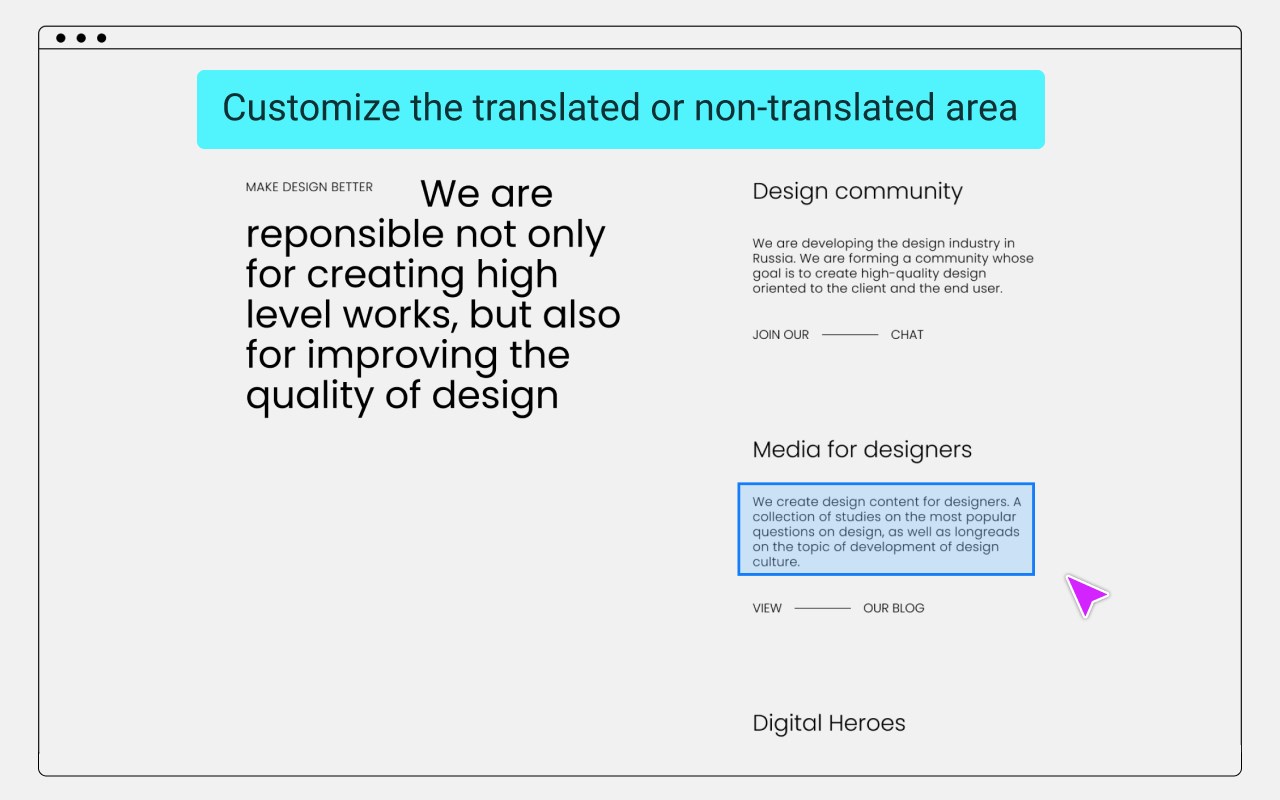
Google Translate usually translates all content, but sometimes parts of the content do not need to be translated, such as: code, terminology, name, ... etc.
Use introduction
Click the "Select Element" button to start the selection mode.
Press ESC key to exit the selection mode and refresh the page to take effect.
Mouse operation mode:
Left click
No translation, apply font style.
Middle click
Forced translation.
Right click
No translation, no font style.
Repeated clicks will deselect the area.
Press the button, along with the mouse wheel, you can adjust the selection range size.
Tips:
When the mouse button cooperates with the scroll wheel to adjust the range, click different mouse buttons to apply different settings.
Data is automatically kept in sync with Chrome, no need to worry about data loss.
Receive questions feedback email: [email protected]
Latest reviews
- mohuan
- 插件非常好用,但是我强烈建议添加 对照翻译,一段英文有胆中文,这样就会非常方便,不用来回切换中英文查看
- 明
- Microsoft edge 无法使用,挺好的工具就是 哎