
Tango – Document and Automate Your Processes
Extension Actions
Document processes, create interactive walkthroughs, pin important knowledge, and create automations quickly and easily.
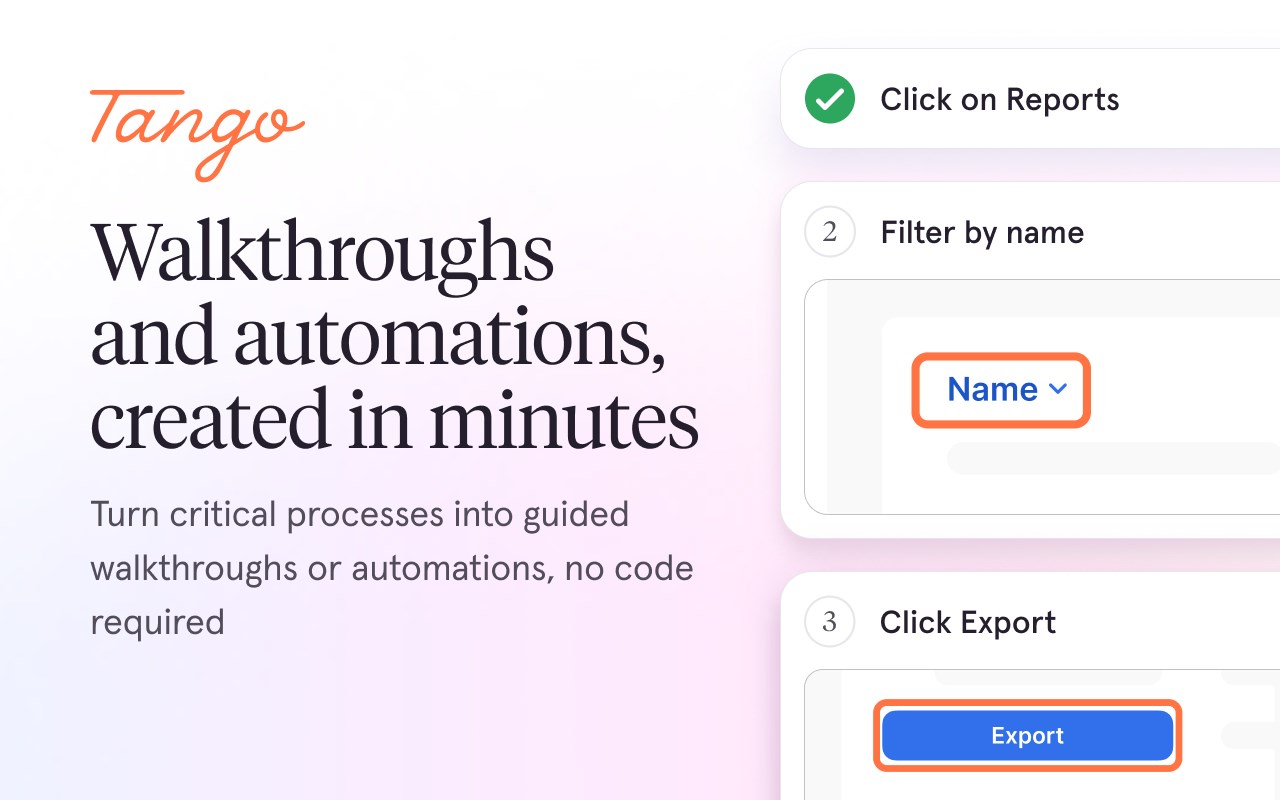
Tango helps teams unlock their software use by making it fast and easy to create how-to guides, interactive walkthroughs, or on-screen automations. No technical setup or integrations necessary.
Here’s what you can do with Tango:
📝 Create Beautiful How-To Guides
Just turn on the Tango extension and complete your process as usual. Tango captures every click and turns it into a beautiful, step-by-step guide instantly.
✅ Eliminate hours of manual documentation
✅ Get perfectly cropped, annotated screenshots
✅ Share guides with a link, or export to PDF, HTML, or Markdown
✅ Embed in your knowledge base or show users steps right on their screen
💡 Turn Every Guide into an Interactive Walkthrough
Activate “Guide Me” to turn your how-to guide into an interactive walkthrough that shows employees exactly where to click and what to type, right on their screen.
✅ Employees retain information better when they “learn by doing”
✅ Give them the context they need by surfacing notes and callouts as they follow the process
✅ They can add comments or questions to each guide, as well as indicate how helpful each guide is
📌 Pin Knowledge and Guides in Your Team’s Tools
Use Tango’s Nuggets feature to place knowledge, guides, and interactive walkthroughs in the tools your team is already using. No code required.
✅ Employees never go on a wild goose chase through an outdated knowledge base
✅ Employees stop bugging experts with repeat questions
✅ Employees actually find and learn the process
🤖 Automate Repetitive Tasks
Tango is also your personal CRM admin for Salesforce and HubSpot. It works across your tools and browser tabs—just like a real assistant—to automate:
✅ Data entry from call transcripts, emails, and apps
✅ Opportunity creation and pipeline progression
✅ Real-time prompts to validate decisions
✅ Billing, quoting, and project management handoffs
No APIs. No code. And no IT required.
Why Teams Love Tango:
🧠 Create documentation once, keep it up to date forever
💡 Employees actually use the documentation you create
🛠 Automate manual work across sales, ops, support, and more
🔄 Reduce repetitive questions and support tickets
🔐 Protect data with advanced blur and SOC 2 compliance
📊 See how documentation is being used with built-in analytics
👥 Perfect For
• Operations
• IT
• HR
• Sales
• Finance
• Accounting
• Support
• Training
As well as industries like Insurance, Healthcare, and Financial Services.
🧩 Document or Automate – You Choose
Whether you’re documenting a process or automating it, Tango works where you work—on any website, SaaS app, or desktop software.
Note: creating automations is currently available only on Tango Enterprise plans
Latest reviews
- Lakita
- I hope all is well with you. I'm currently exploring avenues to enhance my business portfolio through strategic investments in Chrome extensions, and I've been particularly impressed with yours. I believe there's a tremendous opportunity for growth and would love to discuss the possibility of acquisition. We can negotiate a fair price and ensure a secure transaction via trusted escrow services like Escrow.com or CryptoExchange.com. If you have any inquiries or if this aligns with your plans, feel free to reach out to us via Whatsapp: +1 6468971986 Skype: live:.cid.7ed1d897457692ce Telegram: @harryysandersonn
- Iñaki
- Desde que la conozco la uso más. Es muy cómodo para explicar a alguien los pasos que debe dar para hacer alguna cosa. Ayuda a la hora de escribir tutoriales de manejo.
- Charles
- Tango's been a game-changer. We no longer waste hours manually writing guides or trying to explain to teammates how to perform a certain workflow. Now we just get to hit record, do the workflow once, and done. Highly recommend.
- Conor
- Great tool. Been using this to record cloud config steps for a new hire. I always forget intermediate/non-obvious steps when typing instructions... great to have Tango record everything so I can easily share with new employees. Good stuff!