
DocsAfterDark
Extension Actions
- Extension status: Featured
Beyond dark mode for Google Docs
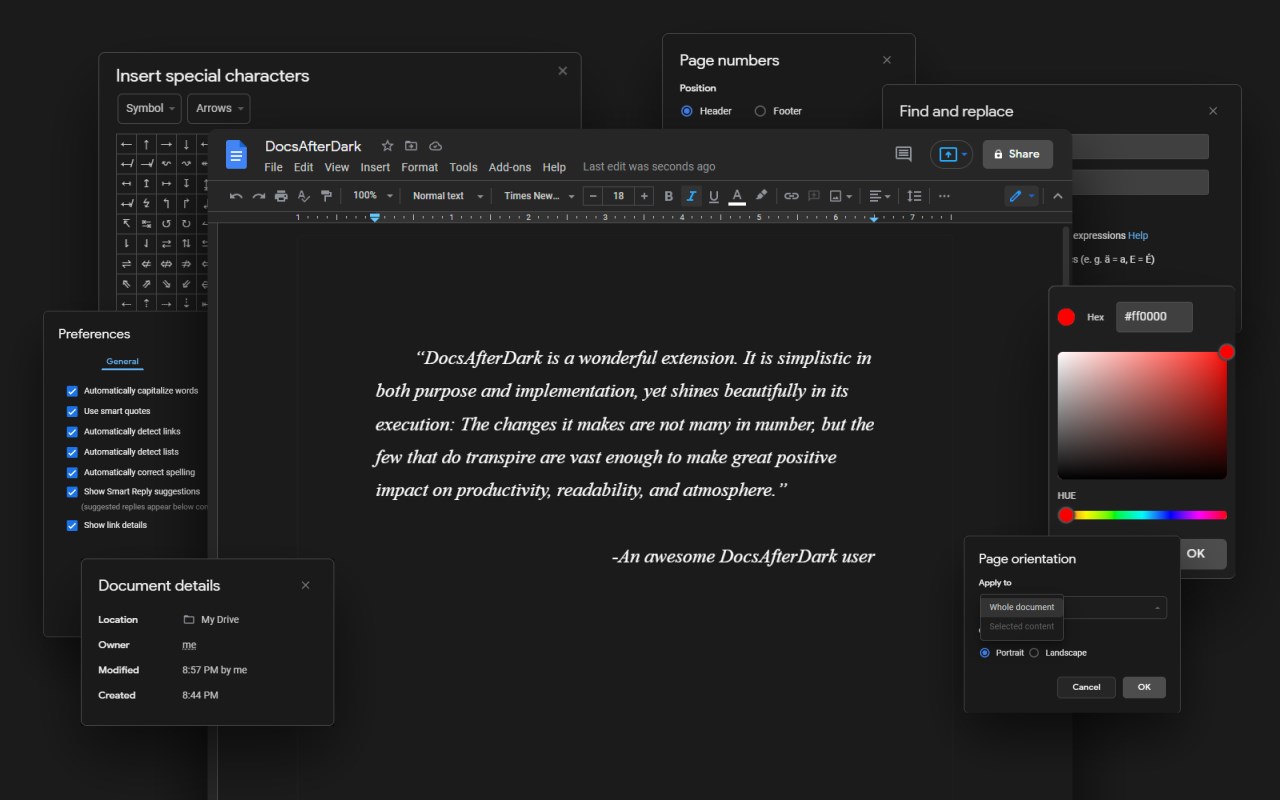
Customize the look of Google Docs with a modern dark mode and a dynamic, colorful light mode.
Access settings in the extension option menu, which can be accessed by clicking on the extension icon in the browser toolbar.
Easily switch between dark and light mode for any document without modifying the original project.
Change the accent color by using the hue slider in the option menu.
Use the invert option to render document content in a comfortable dark mode.*
Turn off document borders to create a seamless workspace.
To temporarily toggle dark mode on/off, click on the button in the bottom left corner of the page. Sometimes this button may block other elements, such as the word count widget. When this occurs, enable the Raise Button toggle in the option menu. This button can be hidden via the option menu.
The global toggle in the option menu can be used to disable/enable the extension.
*Chromium-based browsers, such as Edge, will invert all document content, including images.
The source code, binary releases, and update notes are available on GitHub at https://github.com/waymondrang/DocsAfterDark
If you enjoy using DocsAfterDark and would like to support its development, please consider donating on Buy Me a Coffee at https://www.buymeacoffee.com/waymondrang
Latest reviews
- Wesley
- Great extension, does its job well. It's a dark mode addon, there's not much to say. Only a few dropdown boxes and whatnot don't turn dark, but you can just turn it back to light mode, do whatever, turn it back
- Luka
- good but it also makes images black and white too
- James
- 👍W extension can't live without it!
- Anuj
- It was better in its last version but become bad in this version because I am not able to make background black (outside paper) and doc white now, please change it to its previous only work experience now removing it Also why anyone would like to see black and white??
- lucass
- Thanks!! I love you! I love being able to choose which section of the page to apply dark mode to, personally I like having the background dark and the page blank. And that is possible with this extension
- Aidan
- Absolutely BRILLIANT. Been using this for many years and I have to say I could not be using google docs without it. Highly recommend.
- Nicola
- This is the best way I found to use Docs in dark mode. I would gladly give it more stars for my normal use. I gave it 4 stars because Google added the visualization without pages (Format>Format without pages), so now this plug in is not completely perfect. This is because in this new visualization of the document there are 2 menus that remain white. Maybe the programmer will fix this issue. If you don't use this visualization option I recommend this plug in!
- Marcos
- O único que funcionou como eu queria. Excelente.
- Caleigh
- This makes the late-night writing seshes worth it. I'll never feel bad about procrastinating again... Well, at least my eyes won't. I love this thing, and I'm recommending it to all my friends. Plus, the sun/moon toggle button is super cute!
- Daniel
- Truly is incredible. I'm not a writer personally but when I view other docs this really makes the read more enjoyable.
- Juan
- Needs a fix for Edge browser, it keeps including images, no matter what config you change. On firefox works fine, but mainly using Edge and it's annoying images get affected by it.
- Huey
- Great extension, most dark mode extensions just invert the entire page while this simply inverts the background, exactly what I've been looking for. I'm satisfied enough to leave this review, and not only do I recommend this to anyone, but I'm also going to recommend it to my friends as soon as I finish this review. TLDR: Amazing and a must-have.
- Brigitta
- This one needs to be advertised much more. This one actually work as intended than the other one with three stars rating. How could this one below the three stars rating extension is BEYOND ME.
- Arthur
- Was working very well untill a couple of weeks ago. Maybe an update on the Docs stirred up somethings and now the heading of the interface does not get dark now. Could also be me using Edge, had not tried on other browsers to see if it works. Edit: Just tested it on google chrome, works normally. Waiting for the update to use it on Edge. Edit 2: After the update it's working perfectly! Thanks for the great work
- William
- I tried 2 more of these types of extensions but this one works best for me. Love this one and highly recommend it. But it will not work with Google Spreadsheet though. I wish it could. Maybe in a future update the developer will add it. Hey, if you are a developer and reading my comment could you please work on it? Thanks.
- yogesh
- Its nice. Keep up the good work. Thank you so much for helping my eyes. God bless you.
- Flores
- Document background doesn't work. Only Way I can get my page to turn dark is through inverting.
- CONNIE
- bro i love it every mode works well too 5/19/22 EDIT: Um, it says my document background is unstable and it doesn't toggle light gray or any other option. But the invert still works. I even restarted my computer and refreshed Google Docs. Uh, how can I get it stable and toggle the option on again?
- Vincent
- Works great -- a must have!
- Angelica
- so far so good!! thank you!