
FilterFred YouTube Age Filter
Extension Actions
- Extension status: In-App Purchases
Browse YouTube safely with FilterFred
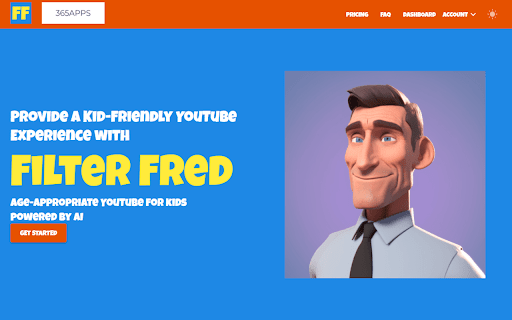
Filter Fred: Kid-Friendly YouTube Experience
Visit the Website link to see more 👉
Discover a safer and age-appropriate YouTube experience for your children with Filter Fred! This innovative Chrome extension uses advanced AI technology to provide a kid-friendly browsing experience by filtering content based on your child's age group.
Key Features:
🤖 - AI-powered content filtering for age-appropriate videos
💻 - Configurable YouTube access schedules to manage screen time
📜 - Viewing history dashboard to monitor your child's online activity
🔒 - Personalized parental controls for a customized experience
Get started with Filter Fred in just 4 simple steps:
1️⃣. Sign up for an account
2️⃣. Add the Filter Fred extension to your Chrome browser
3️⃣. Set your preferred controls and age group settings
4️⃣. Activate Filter Fred on YouTube and let the safer browsing begin!
7-day free trial, to find the perfect fit for your family. Keep your kids safe online and promote a balanced digital lifestyle with Filter Fred - the ultimate age-appropriate YouTube experience powered by AI!