
Stoa Focus Mode
Extension Actions
CRX ID
hhlmknbamkedgbglodapgalegfafeanf
Description from extension meta
Enable focus mode for reading Stoa prompts. Shortcut 'Cmd/Ctrl + B'.
Image from store
Description from store
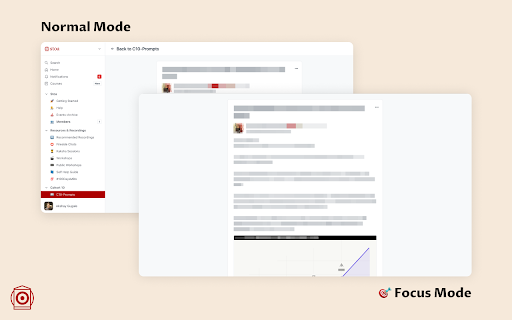
The sidebar seemed to be distracting when reading prompts. Here is an extension to help you remove that and focus 100% on the content. Hides the following:
- Sidebar
- Header
- Like & comment buttons
- Existing comments
Usage Guide: Click to enable or disable focus mode. Shortcut 'Cmd/Ctrl + B'.