
Dwarpaal Connect
Extension Actions
CRX ID
lcgonfeokmmabajciblielijnbidifjd
Description from extension meta
Front desk uses the installed Dwarpaal browser extension for Property Management system (PMS) and clicks on RFID encoding icon for…
Image from store
Description from store
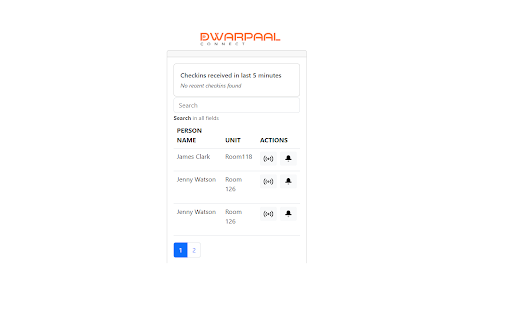
Front desk uses the installed Dwarpaal browser extension for Property Management system (PMS) and clicks on RFID encoding icon for the reservation in hand (screenshot 1). Front desk then can click on Write RFID card button. Dwarpaal browser extension will then prompt the front desk to put the RFID card on encoder. It will then encode the RFID card for Room number and stay duration received from guest check in. Message will be displayed on the extension indicating success or failure before front desk can handover RFID card to guest.