Clar PDF Tools
Malware Detected
This extension has been flagged as potentially malicious.
Extension Delisted
This extension is no longer available in the official store. Delisted on 2025-09-17.
Extension Actions
- Malware
- Removed Long Ago
Clar PDF Tools is an all-in-one solution
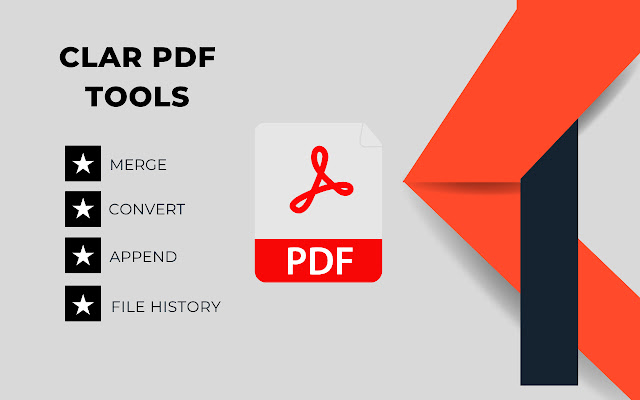
Need a PDF editor tool? Take advantage of Clar PDF Tools. It's an easy-to-use program that allows you to view PDF files, make comments, and protect them on your devices while working out of the office.
Rarna PDF Tools has the following features.
- Reliability: one hundred percent compatibility with your current PDF support environment.
- Lightweight: does not require significant device resources.
- High speed: no long pauses when opening PDF files.
- Security: highly effective file protection features to keep sensitive information safe from unauthorized access.
- Multiple Language Support: 52 languages available, allowing customers all over the world to work with the application.
Rarna PDF Tools allows you to do the following.
View and organize PDF files
- Reformat PDF files for easy viewing
- Easily navigate through your document using bookmark management features
- Search for text within a PDF document
- Supports multi- tabbed interface
- Support PDF Reading Out Loud function
- Rename, move, copy, and delete PDF files
Sharing and sharing PDF files
- Add annotations and stamps to PDF files
- Ability to share PDF files
- Ability to transfer multiple files to a computer at once
- Save, sync, and access PDF files in popular cloud services (Google Drive, OneDrive, etc.)
Creating and converting PDF files
- Creating a blank PDF from scratch
- Creating PDFs from Microsoft Office documents, images, text and HTML files
- Scan and convert paper documents to PDF
- Combine multiple PDFs to create a new PDF
Editing PDF files
- Inserting audio, video and links into PDF files
- Adding and Editing Text and Image to PDF*
- Editing Document Properties
- Optimizing PDF Documents
- Editing the Page Order in a PDF document
Working with PDF forms
- Filling out and saving PDF forms
- Importing and exporting form data
- Sending PDF forms via HTTP, FTP or email
- Working with XFA forms
Signing and Securing PDF
- Adding Handwritten Signatures to PDF Documents
- Signing PDF documents with an existing digital certificate
- Securing PDFs with a password and Microsoft Information Protection
- Securing PDF Information with Editing