
ToLinks
Extension Actions
- Extension status: Featured
- Live on Store
Extension to remember the lengthy URLs for you
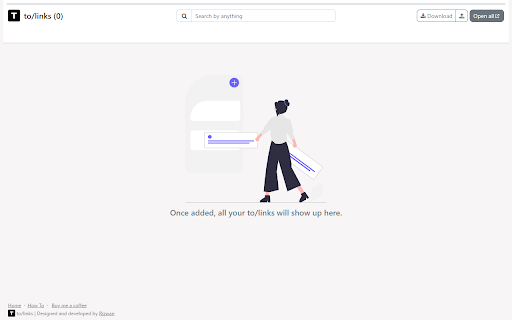
This extension helps create a memorable link alias of your favorite URL, right click on any page and select "Add this page as a ToLink" from menu or click the pinned ToLinks icon, then add your alias and hit save. Now whenever you feel like opening the URL just hit "to<TAB or SPACE or />youralias" in search bar and hit enter and it will take you to the designated link.
To see all your saved links, navigate to to/links
You can,
- Add multiple tags to a link
- Filter and search links by tag, title, link and pretty much everything
- Open a set of filtered links in a group for better tab management
- Download a set of filtered links to share them
- Upload your Chrome bookmarks, by exporting bookmarks from bookmark manager
- Copy the saved link
- Edit the URL and tag of the link
- Remove a link when no longer relevant or required
Latest reviews
- Jainam Doshi
- Bade kaam ki cheeze hai