
Screenshot Plus
Extension Actions
CRX ID
cihfceigbclfkaloebkpmeoakjgbliao
Description from extension meta
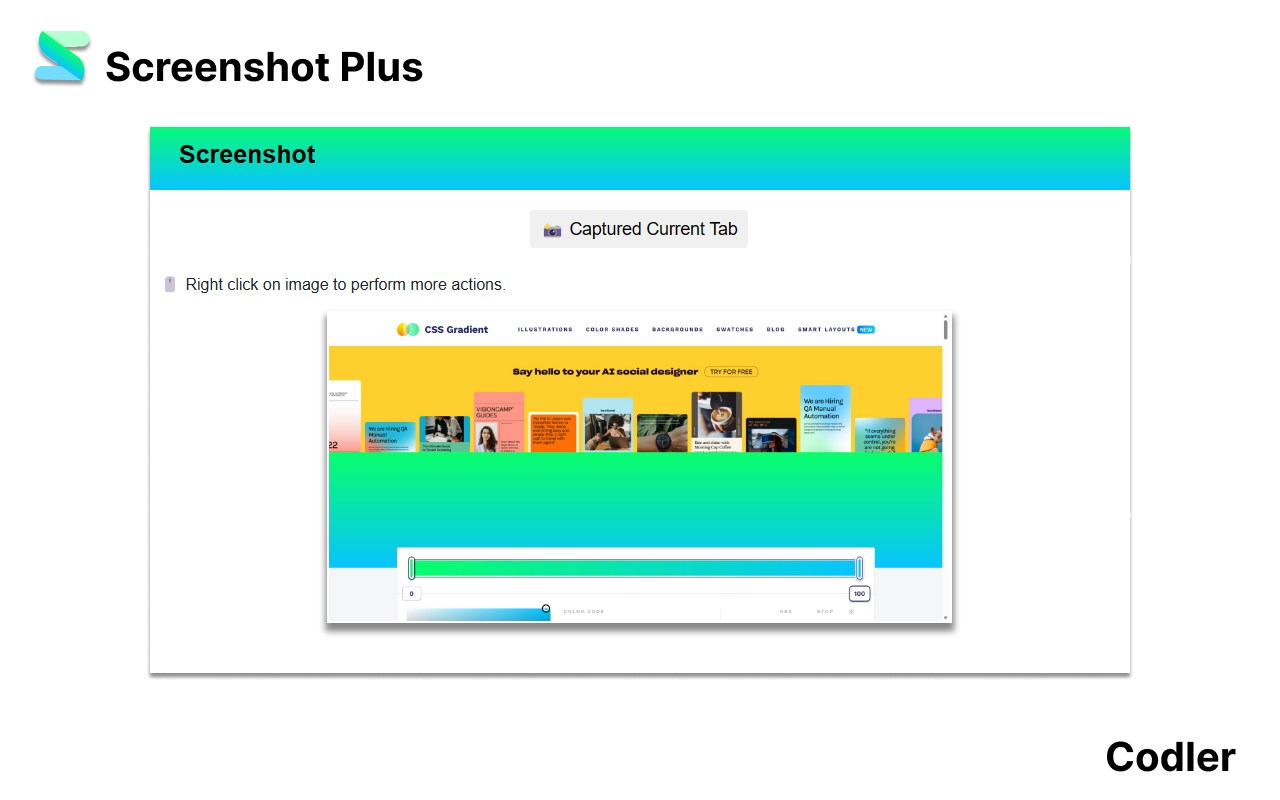
Screenshot captures entire screen along with in-built image editor
Image from store
Description from store
Hi there 👋,
In case you are looking out for a simple and convenient screenshot Chrome extension, Screenshot Plus will be the best match.
Why Screenshot 🤔?
1) One button click to capture a screenshot.
2) Edit screenshot.
-> Crop and rotate the captured photo.
-> Adjust brightness, contrast, and lightness.
-> Add layers to the captured photo.
-> Highlighter and paint brushes to add to a captured photo.
3) Share the image link.
4) Download captured screenshot.
5) Copy captured photo to the clipboard.
6) Free to use and no advertisement.
7) No user credential or data is used or transmitted.
“We’d love to hear your feedback!” 💖
- Jaspreet Singh from Codler.