
SpeakAJoke
Extension Actions
Joke Extension Enhance your browsing experience with the Joke Extension! Get ready to brighten up your day with a dose of humor at…
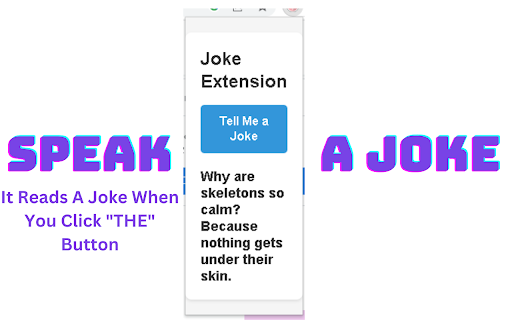
Joke Extension
Enhance your browsing experience with the Joke Extension! Get ready to brighten up your day with a dose of humor at your fingertips. This extension brings laughter to your Chrome browser with a simple click of a button.
Features:
Enjoy a wide variety of jokes that will keep you entertained.
Click the "Tell Me a Joke" button to instantly get a hilarious joke.
The extension uses text-to-speech technology to read the joke aloud, adding an extra layer of fun.
Professionally designed interface for a seamless and enjoyable user experience.
How to Use:
Install the Joke Extension from the Chrome Web Store.
Open a new tab or click on the extension icon in your toolbar.
Click the "Tell Me a Joke" button to have the extension fetch a random joke.
Sit back, relax, and let the extension read the joke to you in a lively and entertaining manner.
Laugh, share, and brighten up your day with a good sense of humor!
Download the Joke Extension now and let the laughter begin. It's the perfect companion to bring a smile to your face whenever you need it most.