
Default profile for Disney+
Extension Actions
Default profile for Disney+, auto-logs chosen profile, bypassing 'Who's watching?' screen. Focus on viewing, not profile selection.
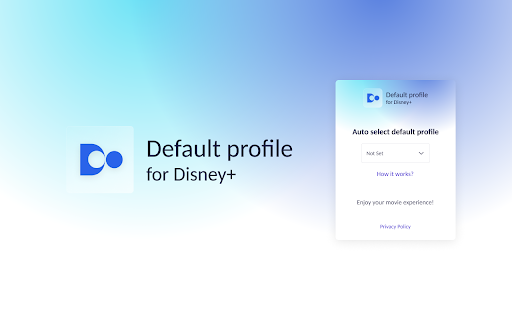
Default Profile provides automatic login to your chosen profile on the Disney+ platform, eliminating the need to navigate through the 'Who's watching?' screen and clicking on the appropriate tile. 😌🎥
Discover a new level of convenience with the Default Profile extension dedicated to Disney+. Experience the comfort of using SVOD platforms on a new level. With Default Profile, you can focus on watching, not worrying about profile selection. 🍿💡
All you need to do is:
1️⃣ Add the Default Profile extension to your browser 👩💻
2️⃣ Log in to Disney+ 🎬
3️⃣ Select a profile from the pop-up extension 🧑🤝🧑
✨ The next time you log in to Disney+, when the Who's watching? page appears, the profile will be automatically selected without your intervention. If there is only one profile on the account, it will automatically be chosen. It's that simple! 🙌
⚠️ Disclaimer: This is independent software and is not affiliated with, endorsed by, or sponsored by The Walt Disney Company or Disney+. Disney and Disney+ are trademarks of their respective owners.