
Screenshot YouTube
Extension Actions
Take a screenshot of any YouTube video with one click.
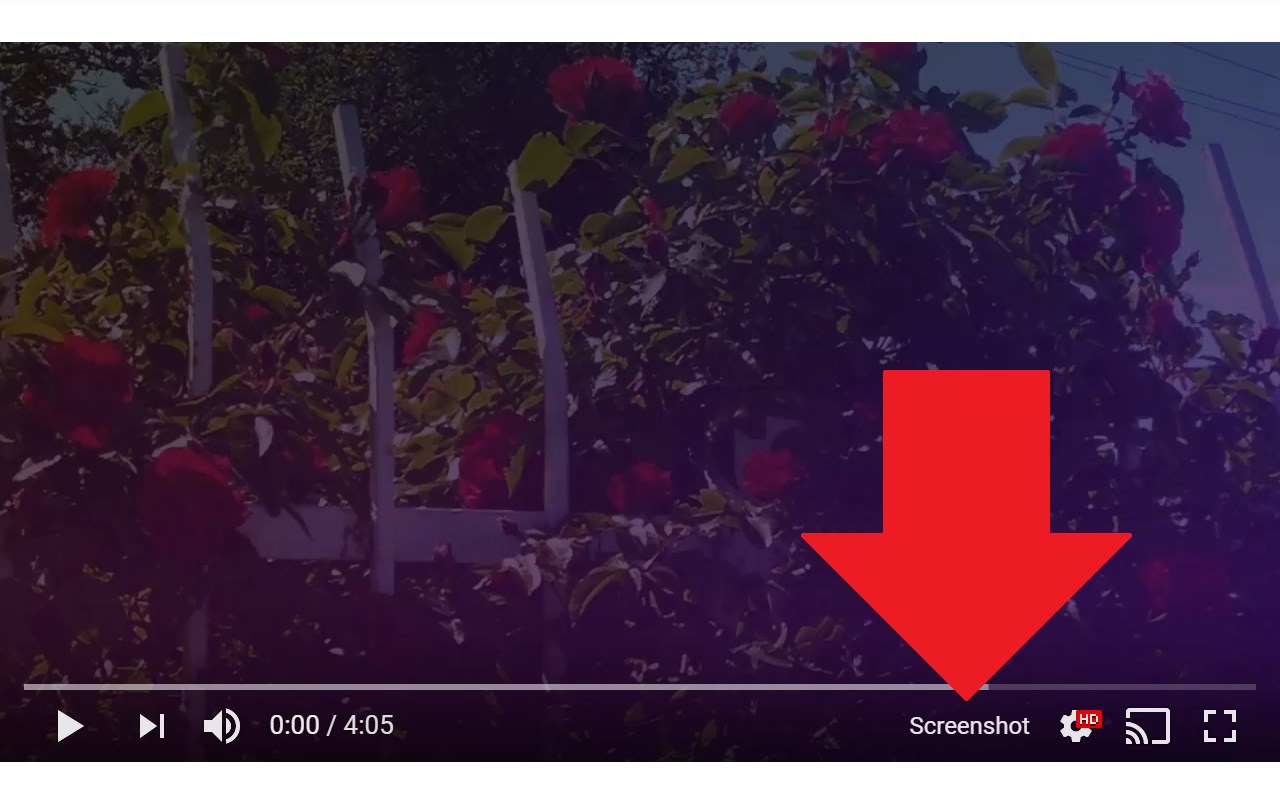
Adds a “Screenshot” button to the YouTube video player which saves a screenshot of the currently playing video as a file, or copies it to the clipboard, or both.
Optionally with keyboard shortcuts, and buttons for changing the playback rate.
New in version 3.0.0: moved to the newly required manifest v3, and removed the history permission, which should also make the screenshot button more reliable.
This extension does not contain any malicious or tracking code. No viruses. No ads. Only good software.
Thanks to Ari Velazquez, and Zertsu for their contributions.
Consider supporting on Patreon: https://www.patreon.com/FutureMillennium
Open source at https://github.com/FutureMillennium/Screenshot-YouTube
Latest reviews
- N
- I found this to be one of my favorite extensions on the edge browser. It fits! However, I don't find it compatible with all videos across the board
- John
- Works like a charm. Removes any of the writing on the screen to so its just clear image.
- larry
- Works as intended.
- Samreen
- This extension is very helpful easy to use I can copy screenshot in clipboard or save it as an image, I can use a keyboard shortcut to take screenshot and the screen shot too is so clear. Thank you so very much. 👍
- Elian
- NO SIRVE
- teal
- it's not work