
Screenshot Chrome
Extension Actions
Screen capture and screen video recorder. Snap screenshot, edit and share it. Record video of your screen and camera.
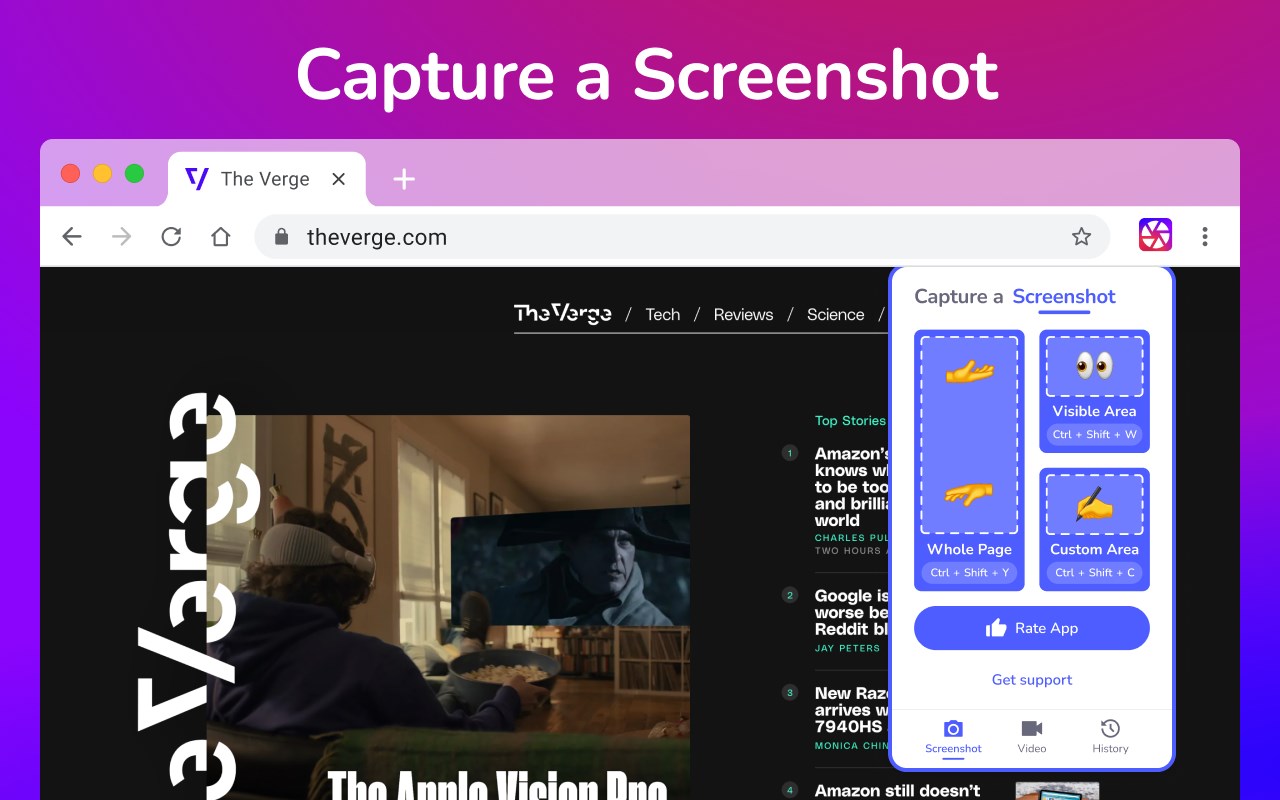
Unveiling a Comprehensive Screen Capture and Screen Recorder Tool
Navigating the world of screenshots and screen recordings just became simpler. This versatile tool is your one-stop solution for all your screen capture and screen recording needs, designed with a vast array of features tailored for today's digital age.
SCREEN CAPTURE FEATURES
The screenshot function lets you effortlessly capture a full webpage, a designated section, or just the currently visible area.
After making a screen capture, you can immediately dive into editing, then save in formats like PDF, JPEG, and PNG.
Quick storage ensures no lag, and the offline mode offers screen capture without any data worries.
Elevate your screenshots with powerful editing tools:
- Easy sharing to Google Drive or through a link.
- Copy your screen captures to your clipboard instantly.
- Resize, crop, and tailor your captures.
- Annotations with various shapes, perfect for highlighting.
- Insert and modify text to convey more with your screenshot.
- Emphasize vital points with the highlight feature.
SCREEN RECORDER FEATURES
Dive into the seamless world of screen recording with this tool, allowing you to grab videos and get an immediate sharing link, making collaborations a breeze.
From product walkthroughs to feedback rounds, the screen recorder ensures you stay synced with your team, thanks to the async video feature.
Screen recorder capabilities include:
- Recording your desktop, a particular browser tab, or your camera feed.
- Integrate your reactions into the screen recording by embedding your webcam.
- Add a personal touch with voiceovers via the microphone option.
- Store your recordings either locally or on Google Drive.
- Choice of WebM or MP4 download formats.
- Instant sharing links after each recording session.
In sum, for those seeking a robust screenshot, and screen recorder tool, this Chrome extension is the answer, housing a myriad of options for all your capturing and recording desires.
Latest reviews
- alphan
- j'essaie
- Lan
- 5c5810fd.weaksharedptr.com亲测好用,注册送永久流量的,专线GPT网飞油管,节点多又快又稳 ,晚高峰看8K视频完全不卡!(手机电脑全平台互通)