
Enable Youtube PC VR in Chromium browsers
Extension Actions
CRX ID
bcadncfmfmigccocnahamkkpbfopjffp
Description from extension meta
Enables PC-VR for non-3D spherical youtube videos - Tested on HTC Vive Cosmos
Image from store
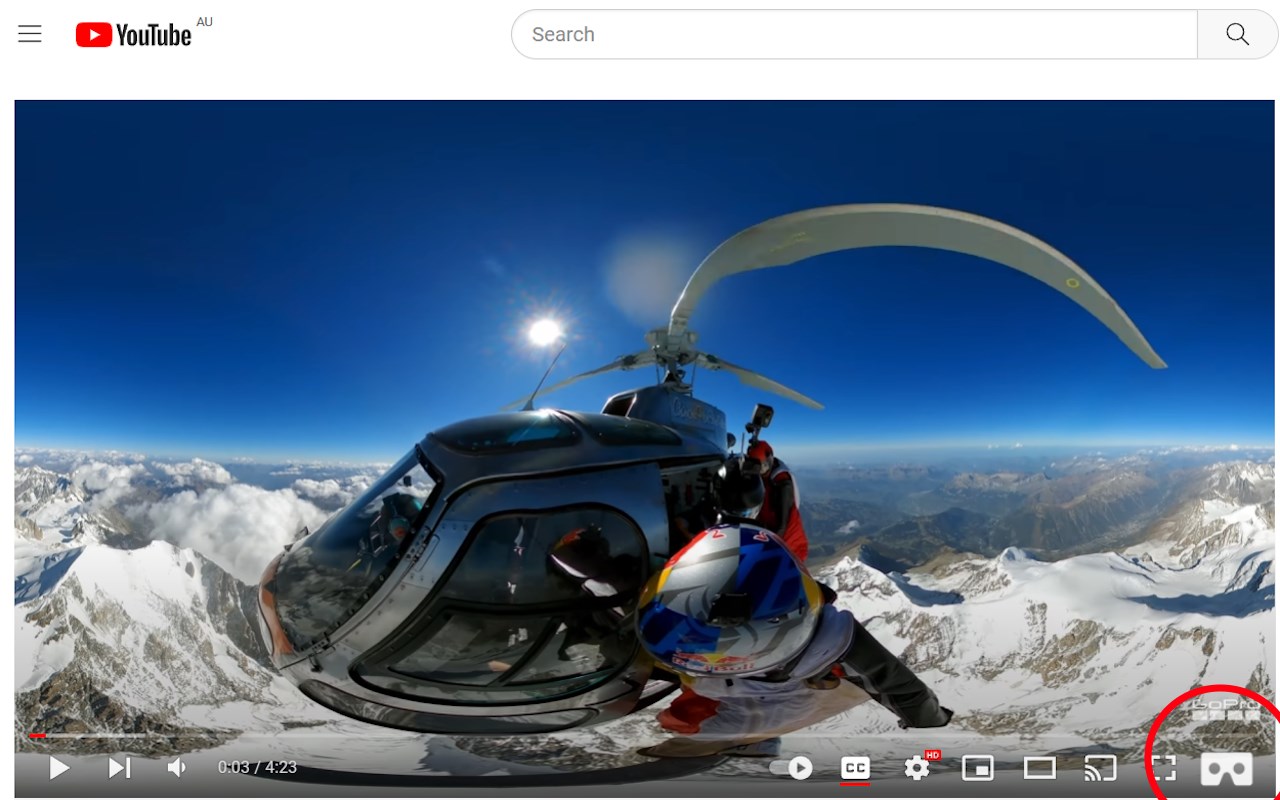
Description from store
Enables PC-VR for non-3D spherical Youtube videos by using the browser's WebXR API
Additional software required: VR kit like HTC Vive Cosmos
Usage Instructions:
1. Turn VR on first
2. Start a new browser so that it detects the hardware
3. Open a non-3D 360 video on https://www.youtube.com/vr/
4. Click on the white cardboard icon in the bottom right hand corner of the video
5. Click on the "Enter VR" button in the middle bottom of the video
Enjoy