
Image Downloader
Extension Actions
CRX ID
piedaibadbdgjpakmphhnfniimfngnfn
Description from extension meta
Effortlessly Download, Filter, and Archive Web Images with ImgGet Image Downloader - Your Comprehensive Image Downloader Companion
Image from store
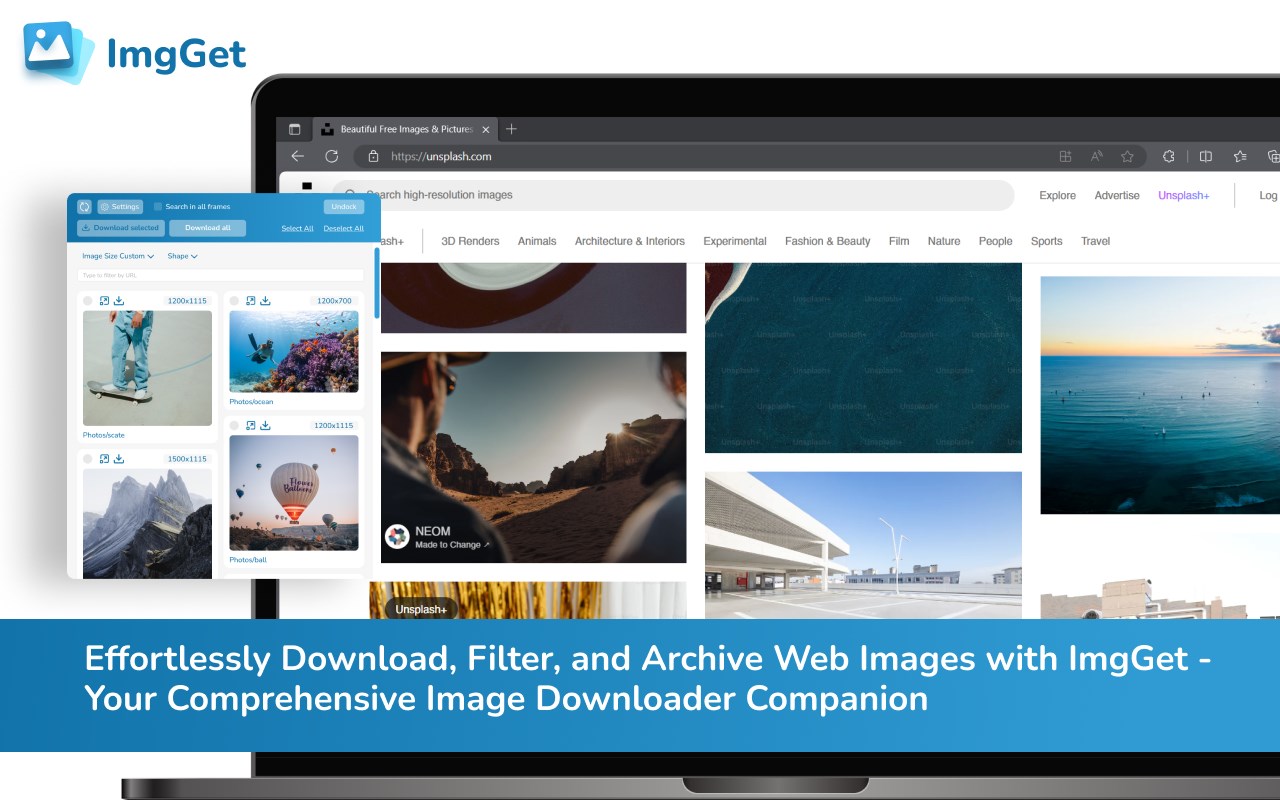
Description from store
Simplify your image workflow with ImgGet Image Downloader. Effortlessly download, filter, and organize web images. Streamline your tasks and save time while managing your visual content like a pro.
Features:
📥 Bulk Image Downloads: Easily grab multiple images from any web page in one go!
✅ Selective Downloads: Choose the specific images you want to save hassle-free.
🔍 Smart Filtering: Filter images by size, shape, or by their names for a tailored downloading experience.
📂 Flexible Download Options: Save images as a folder, individual files, or a ZIP archive.
Latest reviews
- SexbomB
- 1、图片读取不完整 2、非jpg图片不能转换
- Khalid
- it does not work, how 5 star????
- 俭
- 相当好用,唯一的是过滤只能根据宽度,建议加上高度过滤
- 泓洁
- 这个很好用
- ༒༃ༀད༻꧂
- 不好用
- Johny
- top demais muito bom mesmo, pode baixar sem medo
- Jeff
- Great app - couple of points. 1) I have had scenarios where when I start the app (click the extension) it is off to the races to load the webpage images. However, at times I am missing images and have to download again. Two thoughts (A) to have the ability for it to *NOT* automatically start but allow me to click the refresh button (B) always show the number of images found at the top. Then I can refresh and see if that number changes (2) second feature after download auto-close as an option (3) Please show the ultimate save folder at the top - sometimes I have multiple things going and not sure which window is going to do what. thanks