
Youtube Auto Close, Auto Pause
Extension Actions
Stops Autoplay, YouTube Tab Closer, One-Click Stop All Videos, Plays One Video at a Time. Option to exclude sites from auto-pause.
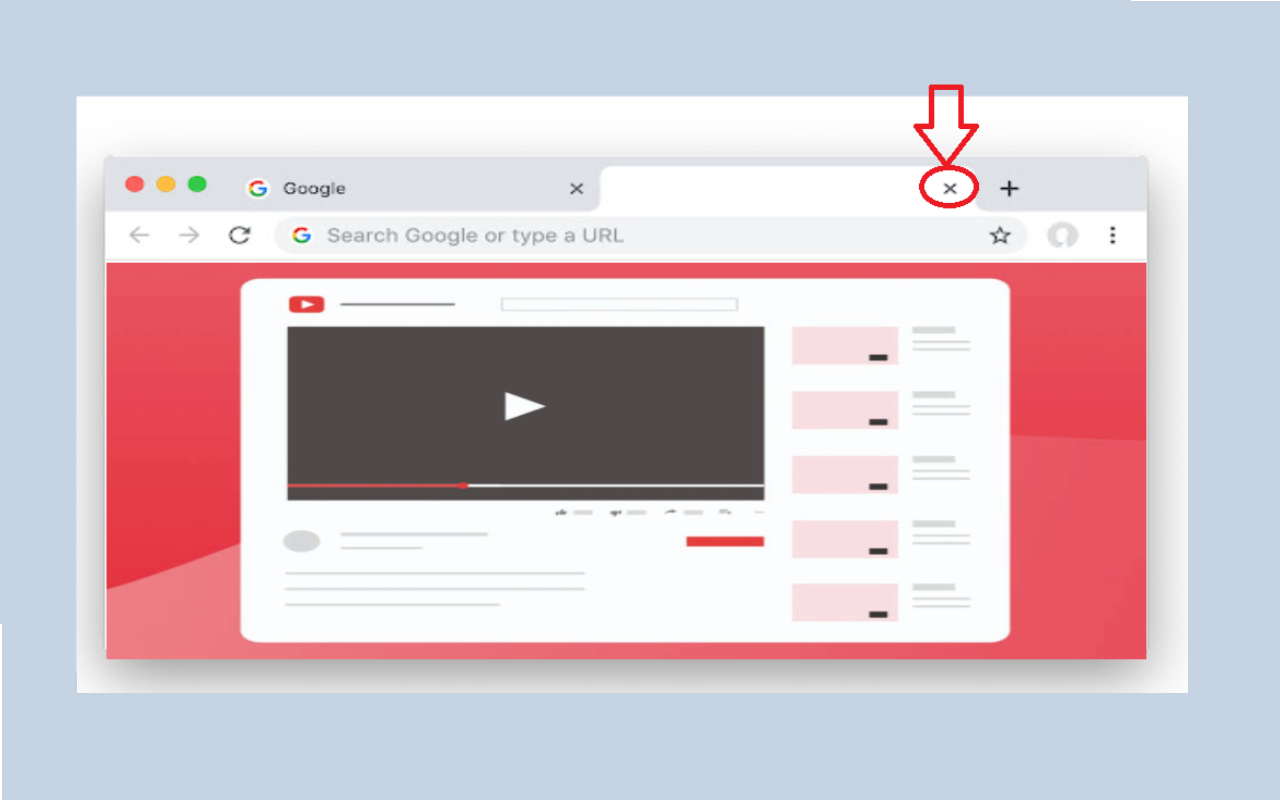
YouTube Auto Close, Auto Pause
This extension helps you watch videos better by stopping other videos from playing in the background, on YouTube and other sites.
What it does: ________________________________________
1.Stops Video Autoplay
Stop video from autoplay when you first visit YouTube and other site
No more videos playing without you wanting them to
2.Plays One Video at a Time
When you play a video, other videos in other tabs stop
No more noise from multiple videos playing at once
3.YouTube Helper
Shows a red bar when your video ends
Closes YouTube tabs that you're not watching after 3 seconds
4.One-Click Stop All Videos
Just one click at the extension icon to stop all playing videos
Works across all your playing tabs
Super handy when you have many videos playing and want quick silence
How to Use It: ________________________________________
Important Note:
⚠️ Auto-close feature only works when YouTube's auto play next video is turned OFF! This is by design.
1.Watching Videos
Just play videos like you normally do
Other videos will stop on their own
2.Click the extension icon if you want to stop everything
3.On YouTube (Auto-close feature)
When your video ends, you'll see a red bar at the top
Click something when you at that tab if you want to keep watching
If you do nothing, the tab will close after 3 seconds
That's it!
"To access the extension options, right-click on the extension icon and select 'Extension Options' to view the list. , right-click on the site you want to exclude and select 'Exclude site' to add it to the exclusion list."
4.If you want to stop auto pause from pause video in playlist, right-click on that tab and select "Enable Playlist Mode"
When you press Alt + 3 shortcut, the extension will instantly switch to the tab that's playing a video, even if it's in a different window. It's like a "find my video" button.
Easier Video Switching: To make it super easy to jump back to your playing video, no matter where it is.
Works on most video websites
Optimize for speed and performance