
Save image as Type
Extension Actions
Save image as PNG, JPG or WebP by context menu on image.
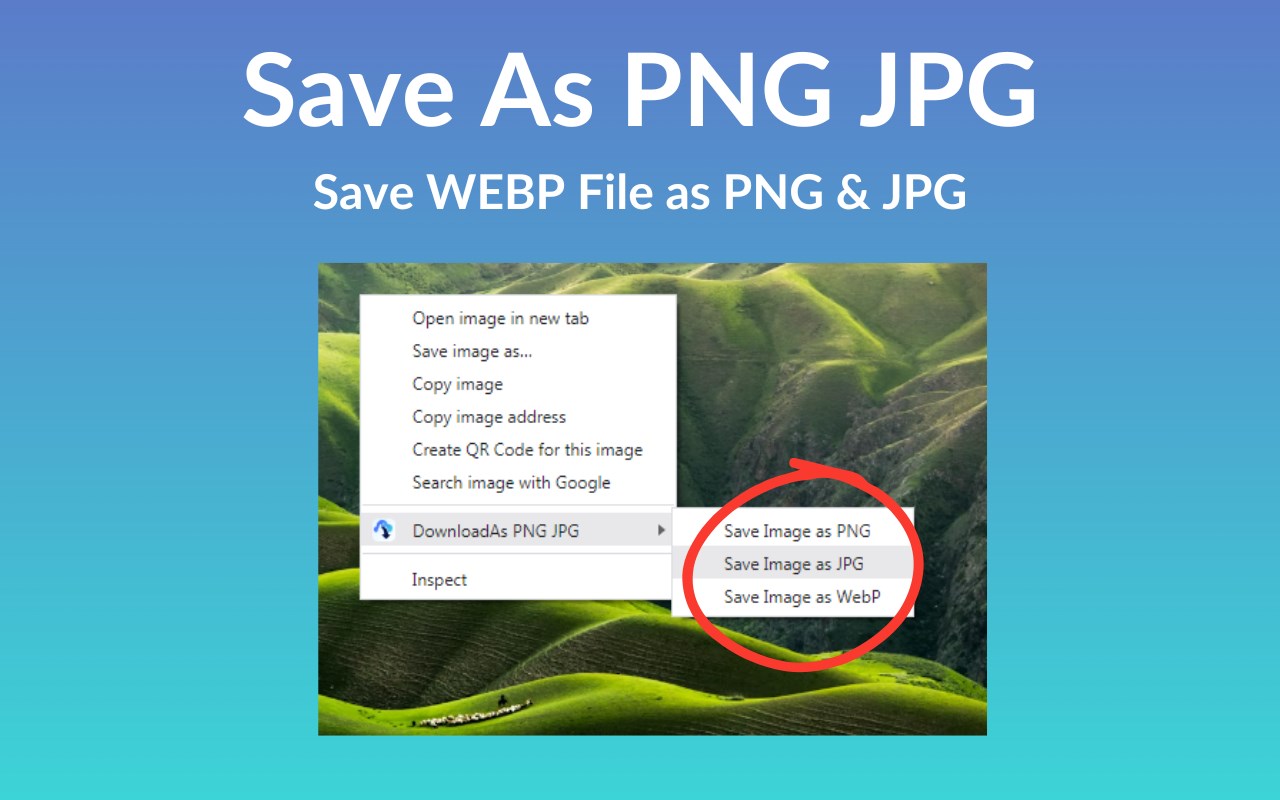
Transform your web browsing experience with “Save as PNG JPG” – the ultimate tool for effortlessly converting and downloading web content as high-quality PNG or JPG images. Whether you’re a professional designer, a student, or someone who frequently needs to capture and save online visuals, our extension is designed to streamline your workflow and enhance productivity.
Key Features:
One-Click Conversion: Instantly convert any web page element into a PNG or JPG image with a simple right-click.
High-Quality Downloads: Ensure the integrity of your visuals with high-resolution output, perfect for presentations, reports, or web design projects.
Versatile Use: Ideal for capturing graphs, charts, infographics, or any visual content that you need to save for offline use or future reference.
Easy Access & Management: Access your downloaded images directly from the extension and easily manage your collection without hassle.
Incognito Mode Support: Use “Save as PNG JPG” in incognito mode for private browsing, ensuring your conversion needs are met without leaving a trace.
Whether you’re capturing snapshots for work, education, or personal projects, “Save as PNG JPG” offers a seamless and efficient solution to save and organize web content as images. Install now and revolutionize the way you save web visuals!
Latest reviews
- S
- Opens a ****** web page when installing. Contains malware ?
- Nico
- It doesn't actually load file explorer or download the image, so basically it just doesn't work.
- William
- Don`t work
- Random
- Doesn't work.