
Games That Are Unblocked
Extension Actions
Games That Are Unblocked
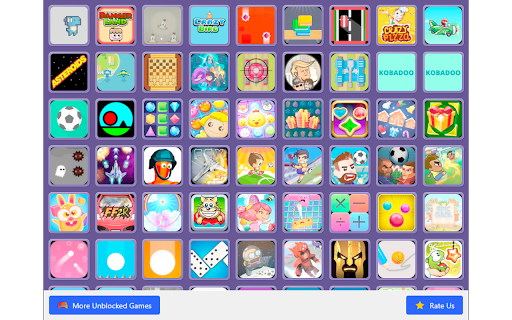
Games That Are Unblocked - Your Ultimate Destination for Unrestricted Gaming Fun in Chrome!
Unleash endless gaming possibilities with the Games That Are Unblocked Chrome Extension. This extension grants you access to a vast library of unblocked games, all conveniently playable within your Chrome browser. With its user-friendly interface, you can effortlessly explore and enjoy a wide range of gaming genres, from classic arcade games to the latest flash games. The extension ensures a seamless, lag-free gaming experience without the need for any downloads or additional software.
Key Features:
Extensive library of unblocked games across various genres
Seamless integration with Chrome browser for instant access
No downloads or additional software required
Fast, reliable, and lag-free gaming experience
User-friendly interface for easy navigation and game discovery
How to Add to Chrome:
Click 'Add to Chrome' next to the Games That Are Unblocked extension.
A pop-up window will appear. Click 'Add Extension'.
The extension will be installed, and an icon will appear in your browser's toolbar.
How to Uninstall:
Click the three-dot menu icon in the top-right corner of Chrome.
Go to 'More tools' > 'Extensions'.
Find 'Games That Are Unblocked' in your list of extensions.
Click 'Remove' and confirm the action in the pop-up.
Discover More Games:
Explore an extensive collection of games easily accessible from the extension's intuitive menu. From action-packed adventures to mind-bending puzzles, there's something for every gaming enthusiast.
Note: This extension is designed to provide you with a world of unblocked gaming entertainment, ensuring hours of fun and excitement without any restrictions or limitations.