
Shiny! Shiny!
Extension Actions
- Live on Store
Simple, secure & focussed text editing … ideal for distraction-free writing, tests & exams
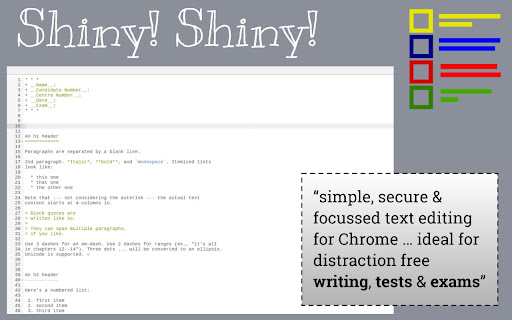
Shiny! Shiny! is a very simple text authoring app for Chrome.
It is designed around the Ace (https://ace.c9.io) editor. It is ideal for use in educational environments where a full screen text editor is required, without the distraction of a web-browser (when used in 'kiosk' mode). This means it's a good choice for tests or exams, where only simple text entry, saving & printing is required.
It has a number of simple features (saving, opening, printing) that are detailed in the INSTRUCTIONS file (available from the App by pressing 'CTRL-?|/'). All these features are available through keyboard short-cuts, which gives the user the largest possible area for working in (essential if using small screen Chromebooks).
For tests/exams in a educational environment, it is designed to be used in a forced kiosk mode (https://support.google.com/chromebook/answer/3134673) to ensure that only this app is available. Users can 'practice' with the app to make sure they are familiar with it by just downloading it from the Chrome Web Store and using it in 'windowed' rather than kiosk mode. It will behave in exactly the same way.