
Translate For Chrome Extension
Extension Actions
- Extension status: Featured
Select text on a page to instantly translate it.
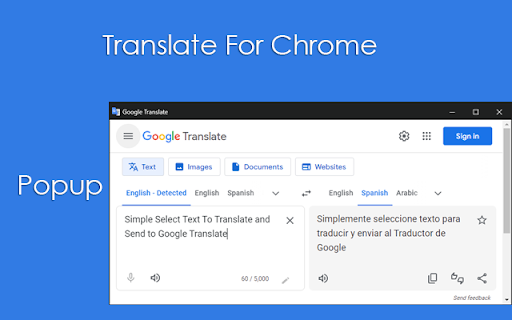
Translate selected text with Google Translate
This extension allows you to translate the text selection using Google Translate whenever you want.
When the extension is installed select some text from a website, right click and select to which language you want to translate the selected text.
- Install the plugin.
- Select the target language from the Options page.
- If the target language is not selected, it will be "English" by default.
- There is a popup option on the Oprions page. If this option is selected, the translate appears in - a new window (Popup). If it is not selected, it will be opened as a new tab.
- While browsing the sites, select the word, sentences or lines you want translated.
- Then you can translate by right-clicking and clicking "Google Traslate".