
S.M.A.R.T
Extension Actions
- Live on Store
Seamless sharing, multi-level bookmarking, AI-powered assistant, RAG source integration, tailored prompts & focus mode
🔗 Seamless IBM Integration for Enhanced Productivity!
Built for the IBM TechXchange event, this extension is your go-to tool for optimizing productivity and streamlining your experience with IBM Cloud. 🌐 Whether you're a developer, researcher, or power user, this extension offers a range of features to simplify your tasks and boost your efficiency.
Key Features:
📝 Tailored Prompts Storage: Save custom prompts and interact with AI-powered assistants to get precise responses directly within your browser.
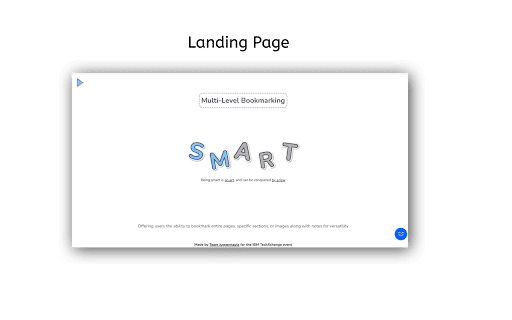
🔖 Multi-Level Bookmarking: Bookmark key content across IBM’s cloud services, save code snippets, and highlight essential information with a few clicks.
📊 RAG (Retrieval-Augmented Generation) Integration: Use advanced AI to search and fetch relevant documentation and answers from IBM resources.
🚫 Focus Mode: Block out distractions and limit your browsing only to IBM-related or cloud service pages, keeping you focused on your work.
💬 Contextual AI Assistant: Get instant insights, suggestions, and clarifications from WatsonX AI within the extension’s interface for a smarter workflow.
📁 Cloud Storage Integration: Securely save bookmarks, documents, and prompt history to access them anytime, from any device.
Why Install?
✨ Whether you're attending the IBM TechXchange event or just working with IBM Cloud, this extension will revolutionize your productivity. It offers a smooth user experience by making essential tools easily accessible right from your browser.
Start focusing on what really matters, save time, and let AI assist you along the way! 🚀