
Flyff Universe - Screenshots
Extension Actions
CRX ID
khpalflfiahnldcpemicflhkmkbpmkcb
Status
- Live on Store
Description from extension meta
Flyff Universeでスクリーンショットを撮り、自動で保存しよう。
Image from store
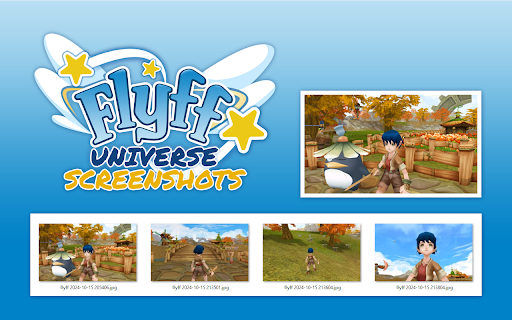
Description from store
Unofficial browser extension to take screenshots in Flyff Universe and save them automatically.
HOW IT WORKS:
1. Open "universe.flyff.com/play"
2. There are two ways to take screenshots:
- Click on the "extension icon" in the browser toolbar.
- Use the keyboard shortcut "Ctrl+Shift+F".
3. The screenshots will be automatically saved in the folder:
<Downloads folder>\Flyff Universe - Screenshots
OPTIONS:
You can change the quality of the screenshots and the keyboard shortcut of the extension.
SOURCE CODE:
https://github.com/davidgaroro/flyff-universe-screenshots
DONATION:
https://www.paypal.com/donate?hosted_button_id=T7CVYXY994KHJ
LEGAL:
This project is not endorsed by Gala Lab Corp.