
AEM Sidekick
Extension Actions
CRX ID
igkmdomcgoebiipaifhmpfjhbjccggml
Status
- Live on Store
Description from extension meta
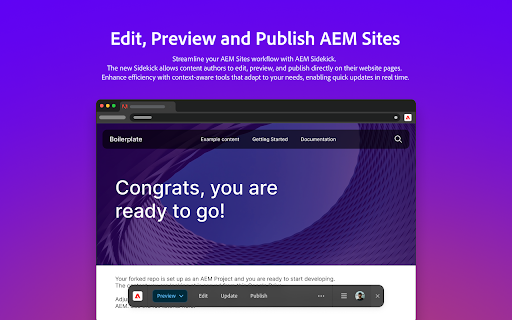
AEM Sidekick을 사용하면 AEM 사이트 작성자가 간편하게 콘텐츠를 미리 보고 게시할 수 있습니다.
Image from store
Description from store
Key features:
- Jump to the editor to make content changes
- Switch between configured environments
- Reload to see the latest content
- Publish to make changes available on your site
- Share AEM Sidekick configurations with your teammates
- Easily add support for multiple sites
- Keep AEM Sidekick visible or hidden across all your browser windows
Latest reviews
- Udaykumar Bhupendra Kumar
- The plugin currently feels incomplete. Once a project is added, there's no clear way to change or remove it, which significantly limits usability. While the documentation states that multiple projects are supported, there’s no guidance or examples on how to actually configure or manage them within the plugin. At this point, the plugin could benefit from further development and refinement to meet real-world use cases more reliably.
- Jean-Michel Pittet
- So simple - love it